081 — Compiling TypeScript (sandbox.ts, downlevel emit, and watch mode)
Full companion narrative for TypeScript Tutorial #2 — the starter project, first sandbox.ts, compiling with tsc to sandbox.js, downlevel emit, phantom redeclare errors, and watch mode
Video: 081 · TypeScript Tutorial #2 - Compiling TypeScript · watch · ~10:30 · Net Ninja TypeScript tutorial series, lesson 2 (Shaun)
Source: this is a written companion to the video. Part of the Favorite TypeScript Videos curated path, module 00 (foundations). The toolchain comes before language features: no type syntax in this lesson — that starts in video 082.
the starter project
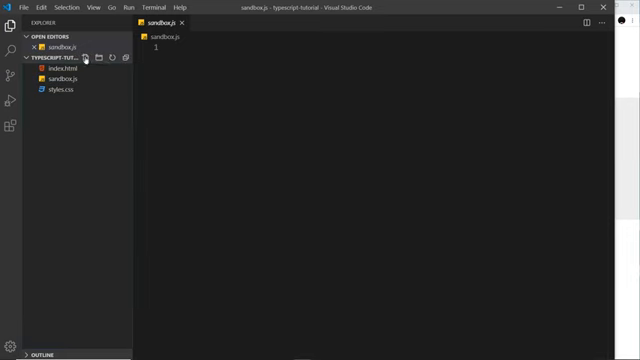
With TypeScript installed (previous lesson), the instructor opens VS Code on a folder called typescript-tutorial containing the pre-written template: index.html, styles.css, and an empty sandbox.js. The HTML and CSS can be copied from the instructor’s GitHub repo — this is not an HTML/CSS course.
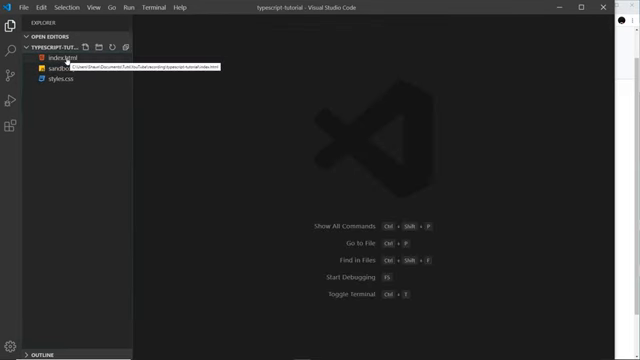
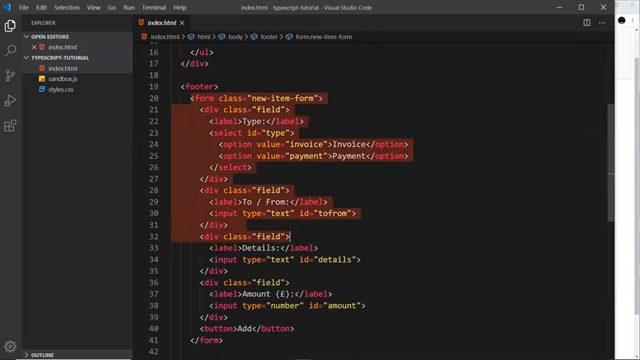
The template is the Finance Logger mini-project that runs through the whole series: a header, an item list where invoices and payments will be rendered dynamically, and a footer form (Type, To/From, Details, Amount) for adding new items.
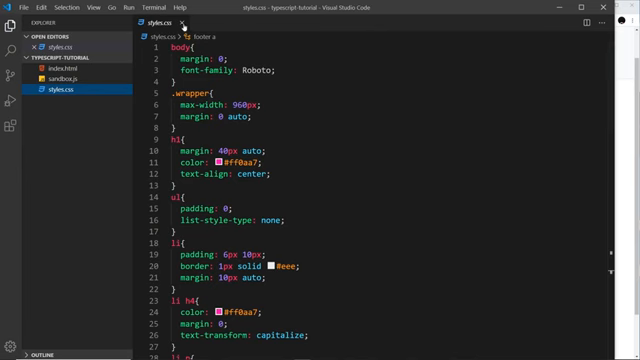
styles.css styles the page — skim it at leisure; no walkthrough here. For live preview the instructor uses the VS Code Live Server extension: right-click index.html → Open with Live Server.
first TypeScript: sandbox.ts
The key move: don’t write JavaScript — write TypeScript. A new file sandbox.ts (.ts = TypeScript extension) is created next to the empty sandbox.js.
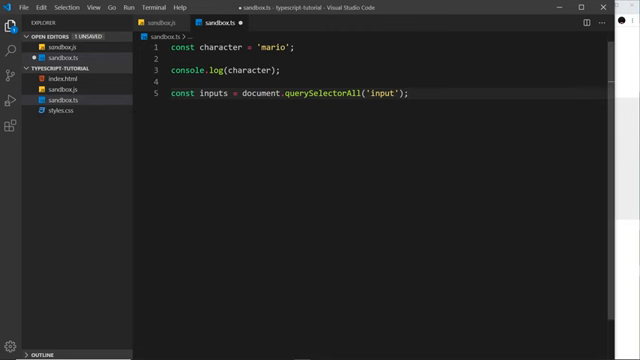
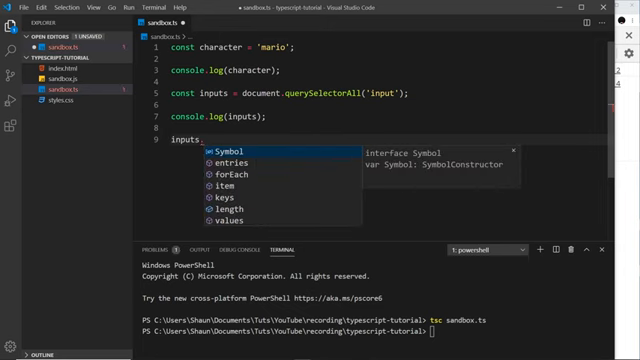
TypeScript is deliberately JavaScript-like at first — everything familiar works:
const character = "mario";
console.log(character);

const inputs = document.querySelectorAll("input");
console.log(inputs);
core concept: the browser never sees your TypeScript
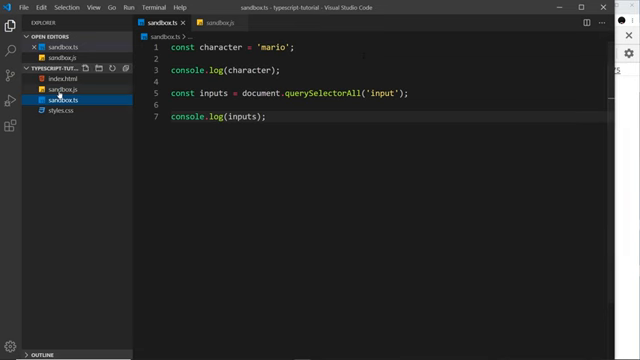
One idea, drilled end to end: the browser only reads the .js file, so every .ts change must be compiled before anything appears. index.html links sandbox.js — “even if it was loaded in the browser, it wouldn’t work because the browser doesn’t understand TypeScript.”
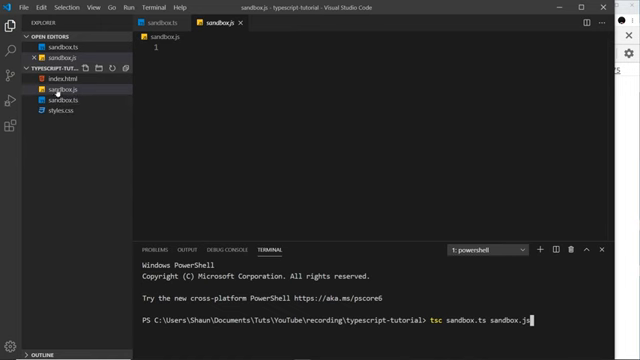
tsc sandbox.ts        # sandbox.ts -> sandbox.js, same name assumed
tsc sandbox.ts -w     # watch: recompile on every save
“Make sure you’re in the correct directory, the same directory as our sandbox files right here, and then we say tsc, that stands for TypeScript Compiler.”
the emit is older JavaScript on purpose
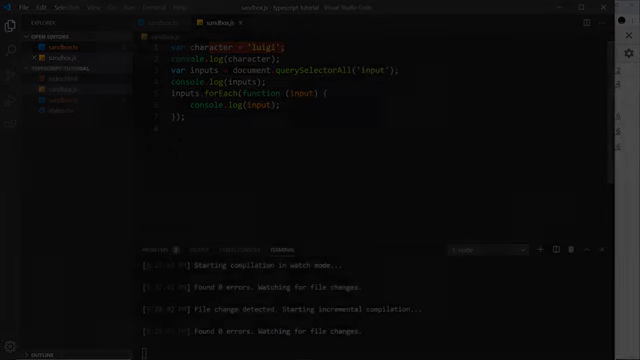
The generated sandbox.js looks almost identical — with one deliberate difference: const is downleveled to var, because const “is a slightly newer feature in JavaScript, and it’s not supported absolutely everywhere, so it makes this into an older version of JavaScript, which is fully supported everywhere.” The compile step is both typecheck and portability layer.
same-name files open together cry wolf
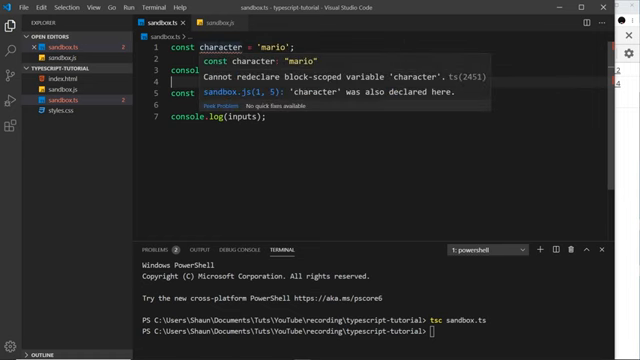
With sandbox.ts and sandbox.js both open, VS Code reports “Cannot redeclare block-scoped variable ‘character’” (ts2451). Shaun’s ruling: “If you closed this, that error goes away… it’s just because we had both files open at the same time… the browser is never loading up this TypeScript file.” A beginner-stopping error defused in one sentence.
forEach over the NodeList, then watch mode
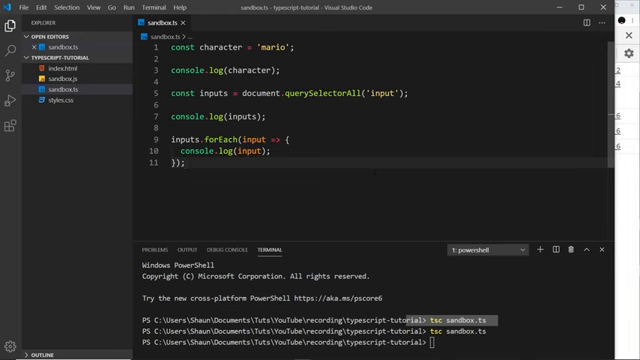
Next the instructor loops the input collection — forEach works on a NodeList just like in JavaScript:
inputs.forEach((input) => {
	console.log(input);
});
Critical habit point: saving the .ts file is not enough — “we still need to compile it down again, it doesn’t automatically do that.” Manually recompiling after each edit gets old fast. The fix is watch mode — “hyphen W, that stands for watch” — which makes tsc recompile on save and surface errors in the terminal, closing the loop.
The -w flag stands for watch: from then on TypeScript watches sandbox.ts and recompiles it to JavaScript automatically on every save.
Prev: 080 — What TypeScript Is and What to Install · Next: 082 — Type Basics
The auto-transcript mishears a few terms; this narrative uses the corrected forms: Live Server (the VS Code extension serving index.html for browser preview), the sandbox.ts / sandbox.js scratch pair (when output name matches input, the output argument can be dropped), styles.css (not “stars.css”) for the pre-written project stylesheet, and the forEach loop (not “4 each”) over the querySelectorAll NodeList of the three form inputs.