080 — What TypeScript Is and What to Install (superset, strict types, setup)
Full companion narrative for TypeScript Tutorial #1 — the superset mental model, strict vs dynamic types, compile-down as Babel-style portability, and the Node, VS Code, and finance-logger setup
Video: 080 · TypeScript Tutorial #1 - Introduction & Setup · watch · 6:45 · Net Ninja TypeScript tutorial series, lesson 1 (Shaun)
Source: this is a written companion to the video. Part of the Favorite TypeScript Videos curated path, module 00 (foundations). No code is written in this lesson — it answers what TypeScript is, what you need installed, and what you will build. Compiling is deferred to video 081.
1. superset, not replacement
TypeScript extends JavaScript with new features and syntax while doing everything JavaScript does — the adoption risk is near zero because existing JavaScript keeps working. Any .js file is already valid .ts; the compiler only adds checks.
2. the one-slide pitch: TypeScript 101
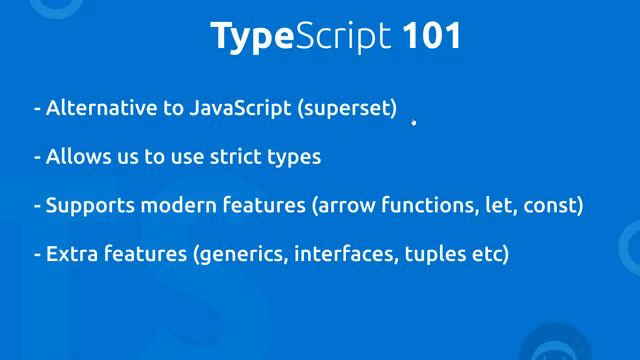
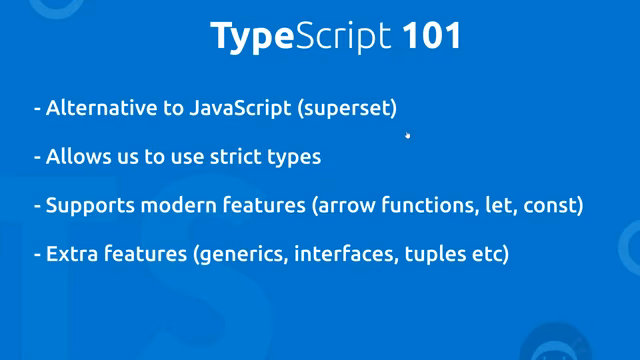
Shaun’s opener answers “what is TypeScript” in one slide: a superset of JavaScript that adds strict types, backports modern features via compile-down, and brings extras (generics, interfaces, tuples).
// the mental model from this lesson (no code is written on screen yet):
// TypeScript source (.ts)  --[tsc compile]-->  JavaScript output (.js)  -->  browser
3. strict types catch errors before the browser ever runs
let age: number = 30;
age = "yoshi"; // squiggly line here, compile-time — never a runtime surprise
Declaring a variable locks its type (not its value): reassignment to another string is fine, reassignment to a number or boolean errors inline. JavaScript dynamic types let the same variable morph at any point, which invites errors.
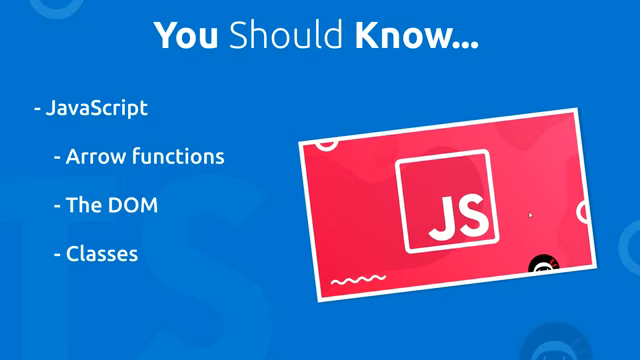
Prerequisite callout: basic JavaScript first (variables, arrow functions, the DOM, classes) — with a pointer to Shaun’s own JavaScript course for anyone missing it.
4. compile-down as a time machine for syntax
Modern features (arrow functions, let/const, destructuring) that older browsers don’t support can be written freely — tsc emits older JavaScript “which the browsers do understand,” the same job Babel does for plain JavaScript.
5. setup: three installs and a project shell
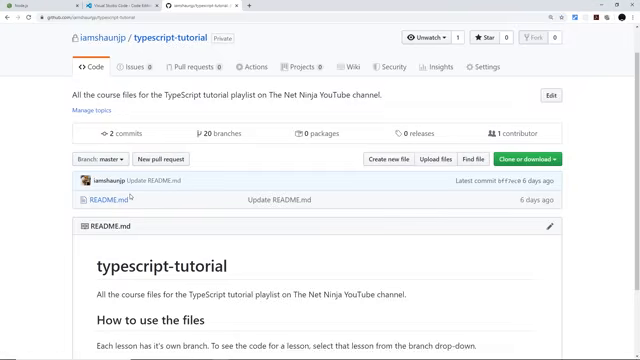
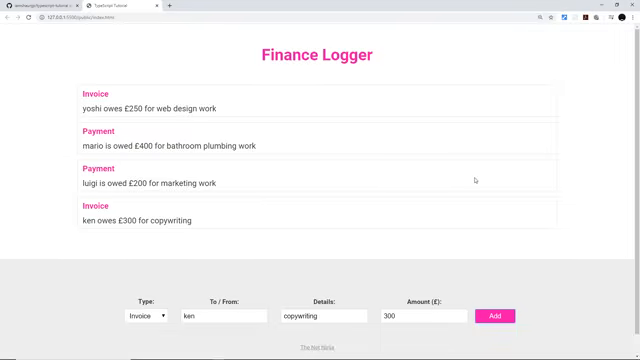
Node exists in this course only so NPM can install and run the compiler; VS Code brings built-in TypeScript support; the GitHub repo carries one branch per lesson; and the finance logger (payments/invoices form) is the running example every later lesson extends.
The series mini project: log payments/invoices (to/from, details, amount) into a list — the finance logger every later lesson extends.
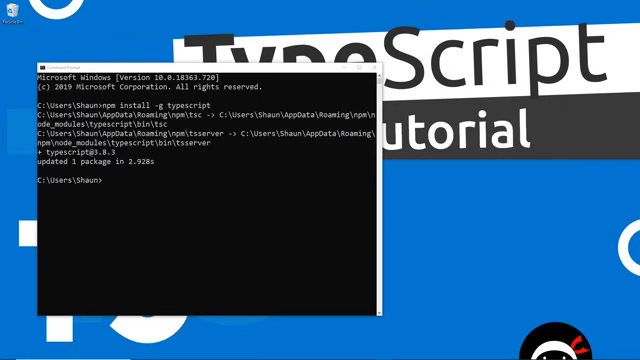
The global install the next lesson drives:
npm install -g typescript
Transcript notes: The auto-transcript mishears a few terms; this narrative uses the corrected
forms: Babel (not “Babble”) for the JavaScript-to-older-JavaScript compiler Shaun cites as the
analogy for tsc downleveling, the per-lesson typescript-tutorial GitHub repo (each lesson’s
code lives on its own branch), the finance logger mini project (log payments/invoices into a
list), and npm install -g typescript (not “NPM hyphen-G”) for the global compiler install.
Prev: 079 — TypeScript for Beginners, the Full Hour · Next: 081 — Compiling TypeScript