018 — Generics (generic functions, constraints, and Resource<T>)
Full companion narrative for TypeScript Tutorial - Generics: capturing call-site types with <T>, constraining with extends, and the generic Resource<T> interface
Video: 018 · TypeScript Tutorial - Generics · watch · ~9:43 · Net Ninja TypeScript tutorial series
Source: this is a written companion to the video. Part of the Favorite TypeScript Videos curated path, module 04 (functions and generics). The one idea: generics capture the type so reuse does not lose it.
the one idea: generics capture the type so reuse does not lose it
Generics let you write one reusable block of code that works with many types while still remembering which type was actually passed in. Without them you face a trade-off: either lock a function to one concrete type, or widen it to object / any and lose all knowledge of the real properties. The video builds the same addUID example three times to make that trade-off concrete, then solves it with <T>.
setup: the addUID function without generics
Starting point: a function takes any object, generates a random id, and returns a new object spreading the original plus a uid property.
const addUID = (obj: object) => {
	let uid = Math.floor(Math.random() * 100);
	return { ...obj, uid };
};

let docOne = addUID({ name: "yoshi", age: 40 });
console.log(docOne); // { name: 'yoshi', age: 40, uid: 84 } — uid varies
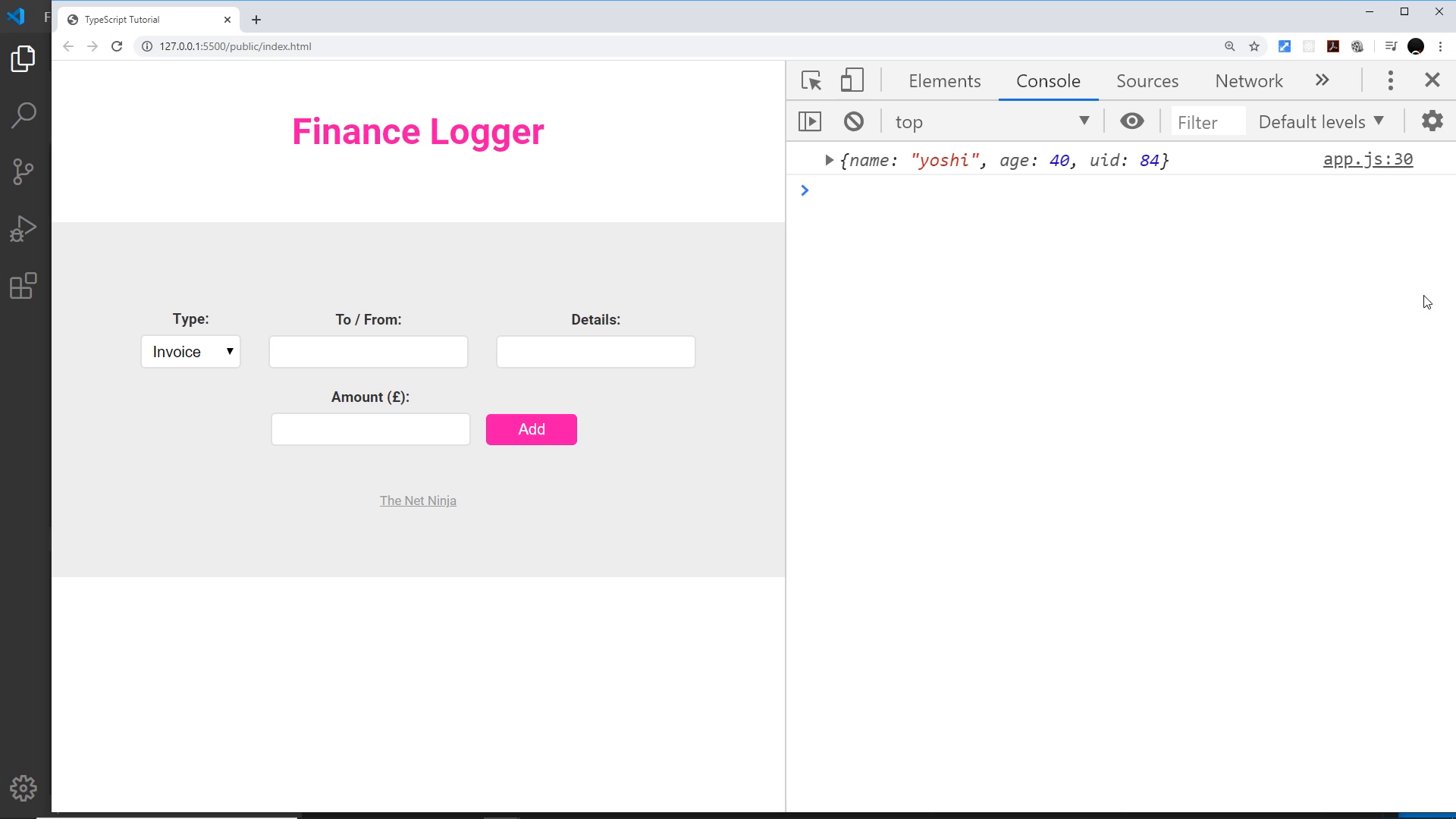
Refreshing the demo page produces a new random uid each time, so the runtime behavior is correct. The problem is at compile time:
console.log(docOne.name); // Error: Property 'name' does not exist
Why: the parameter is typed only as object, so TypeScript never records that the caller passed name and age. The return type therefore knows about uid but knows nothing about the spread properties. docOne is correct at runtime and opaque at compile time.
generic functions: <T> captures whatever is passed in
The fix: declare a type parameter on the function and use it for the parameter.
const addUID = <T>(obj: T) => {
	let uid = Math.floor(Math.random() * 100);
	return { ...obj, uid };
};

let docOne = addUID({ name: "yoshi", age: 40 });
console.log(docOne.name); // fine
console.log(docOne.age); // fine — plus uid
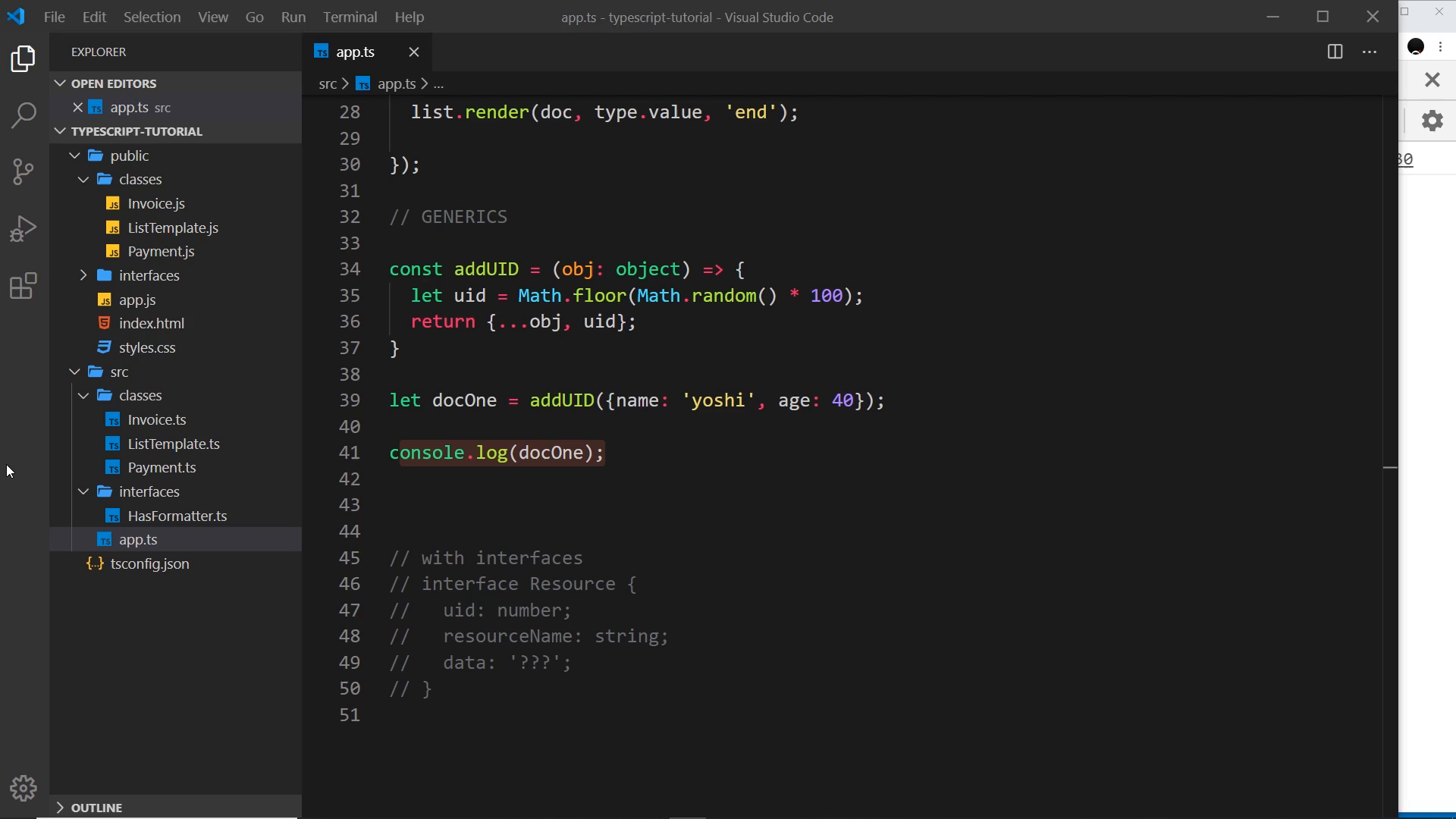
Convention note: the letter is almost always T (short for Type). It could be any name, but every codebase you read will use T, then U, K for additional parameters.
What <T> means here: “capture the actual type of the argument at each call site and reuse it in the return type.” Pass { name: string, age: number }, and the return type carries those properties plus uid. Accessing .name, .age, or a bogus property now checks against the real shape instead of erroring on everything.
the hole generics open: <T> alone accepts anything
With the parameter typed as bare T, the object requirement is gone. The function now accepts values it was never meant to handle:
let docTwo = addUID("hello"); // allowed — but spreading a string makes no sense
The lesson: capturing the type and constraining the type are two separate jobs. <T> does the first; extends does the second.
constraining with extends object
const addUID = <T extends object>(obj: T) => {
	let uid = Math.floor(Math.random() * 100);
	return { ...obj, uid };
};

addUID("hello"); // Error — string does not extend object
addUID({ name: "yoshi", age: 40 }); // fine
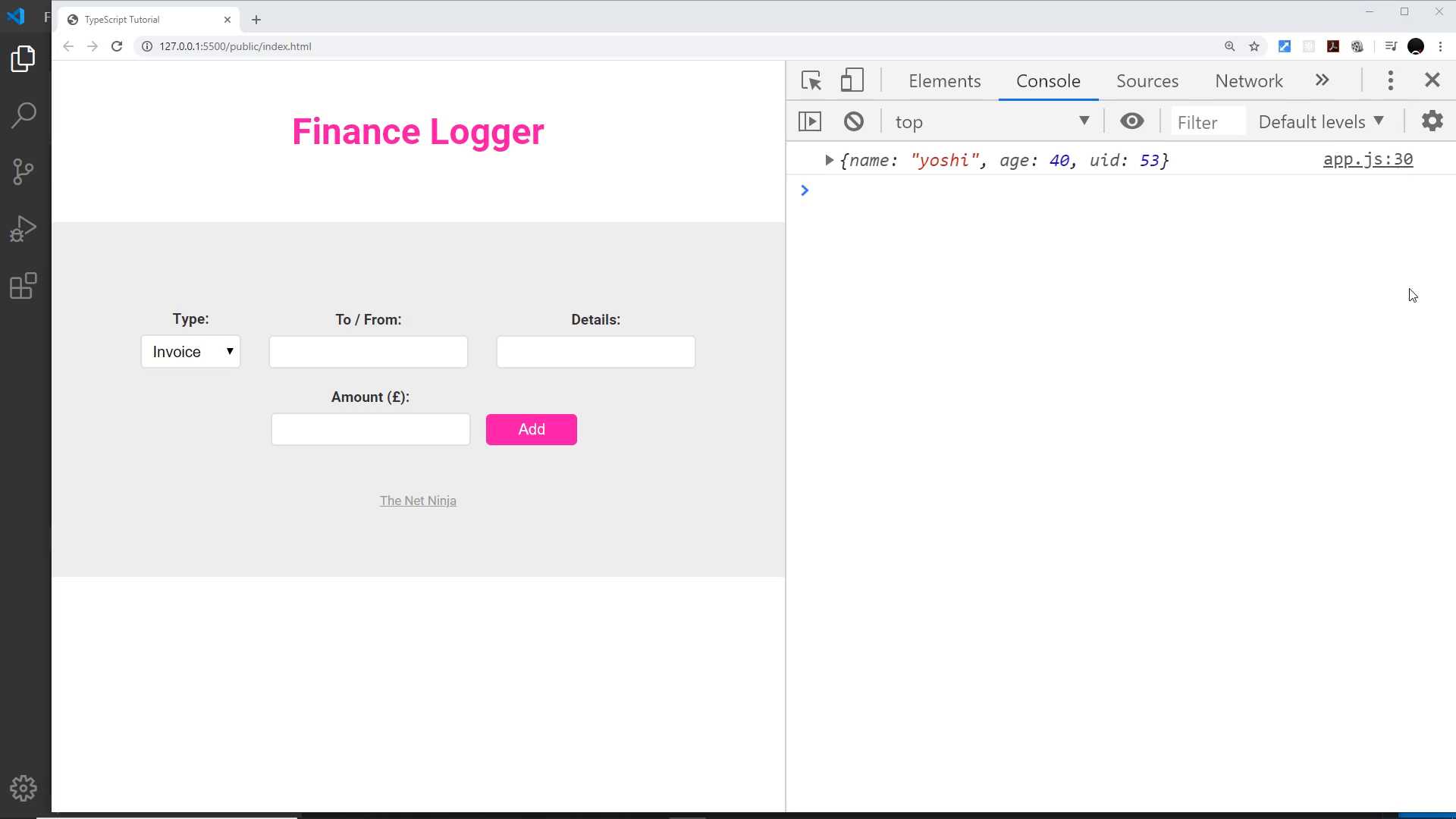
Now the type parameter still captures the specific shape, but only object shapes are admissible. Non-objects are rejected at the call site.
Going one step further, the constraint can name a specific shape:
const addUID = <T extends { name: string }>(obj: T) => {
	let uid = Math.floor(Math.random() * 100);
	return { ...obj, uid };
};

addUID({ name: "yoshi", age: 40 }); // fine
addUID({ age: 40 }); // Error — missing name
addUID({ name: 25 }); // Error — name must be a string
This is the general pattern: extends sets the minimum requirement, T still captures everything above that minimum, so all original properties remain accessible on the result alongside uid.
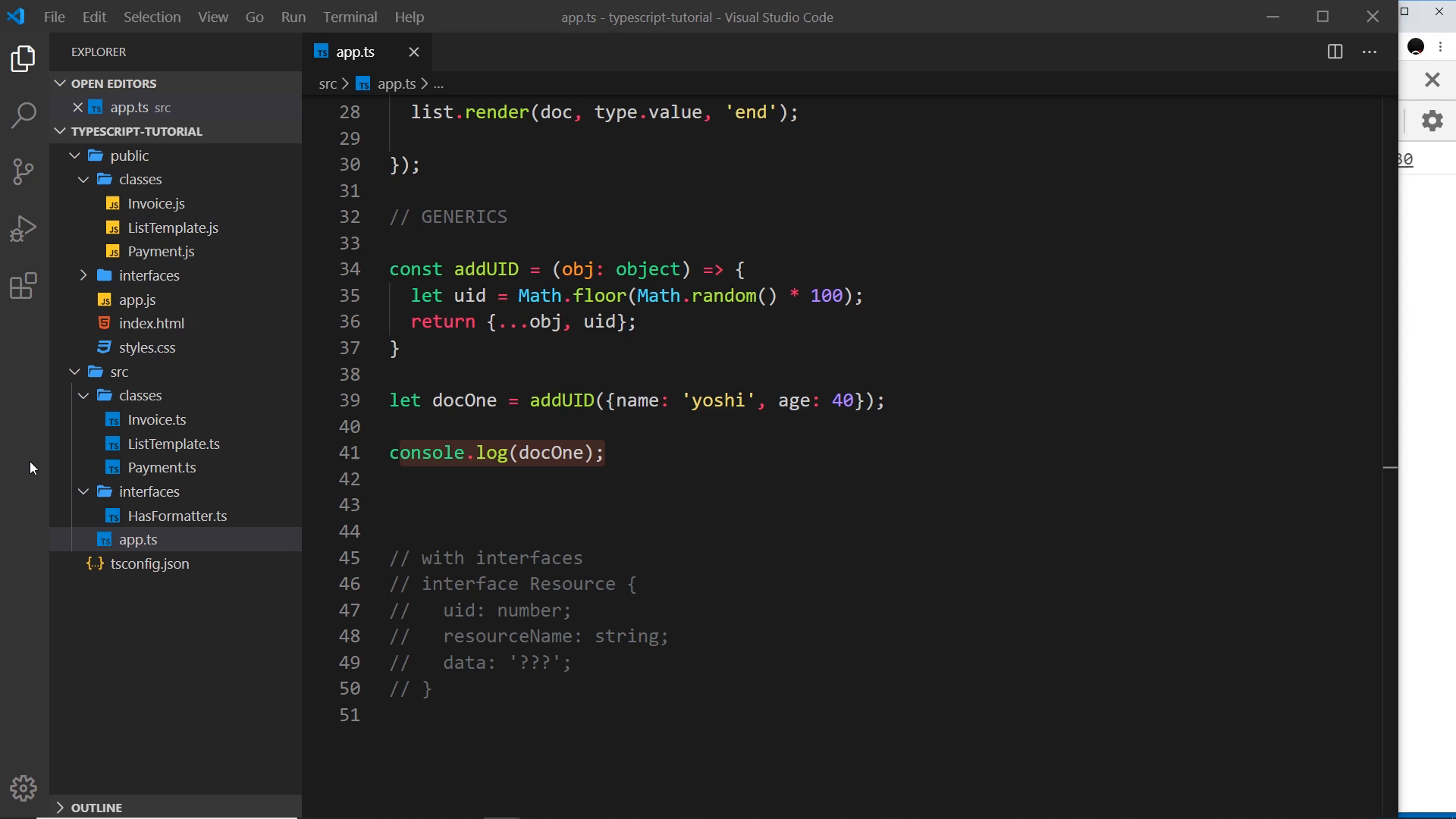
generic interfaces: Resource<T>
The second half of the video moves generics from functions to interfaces. An interface describes what an object must look like; a generic interface leaves one or more of those property types to be filled in later.
interface Resource<T> {
	uid: number;
	resourceName: string;
	data: T;
}
uid is always a number, resourceName is always a string (examples: 'person', 'hobbies', 'shopping list'), but data is whatever T the implementer specifies. Contrast with the non-generic version where data: object forces every resource to carry an object even when the real payload is a string or an array.
String payload:
const docThree: Resource<string> = {
	uid: 1,
	resourceName: "person",
	data: "shaun",
};

const bad: Resource<string> = {
	uid: 1,
	resourceName: "person",
	data: { name: "shaun" }, // Error — data must be a string here
};
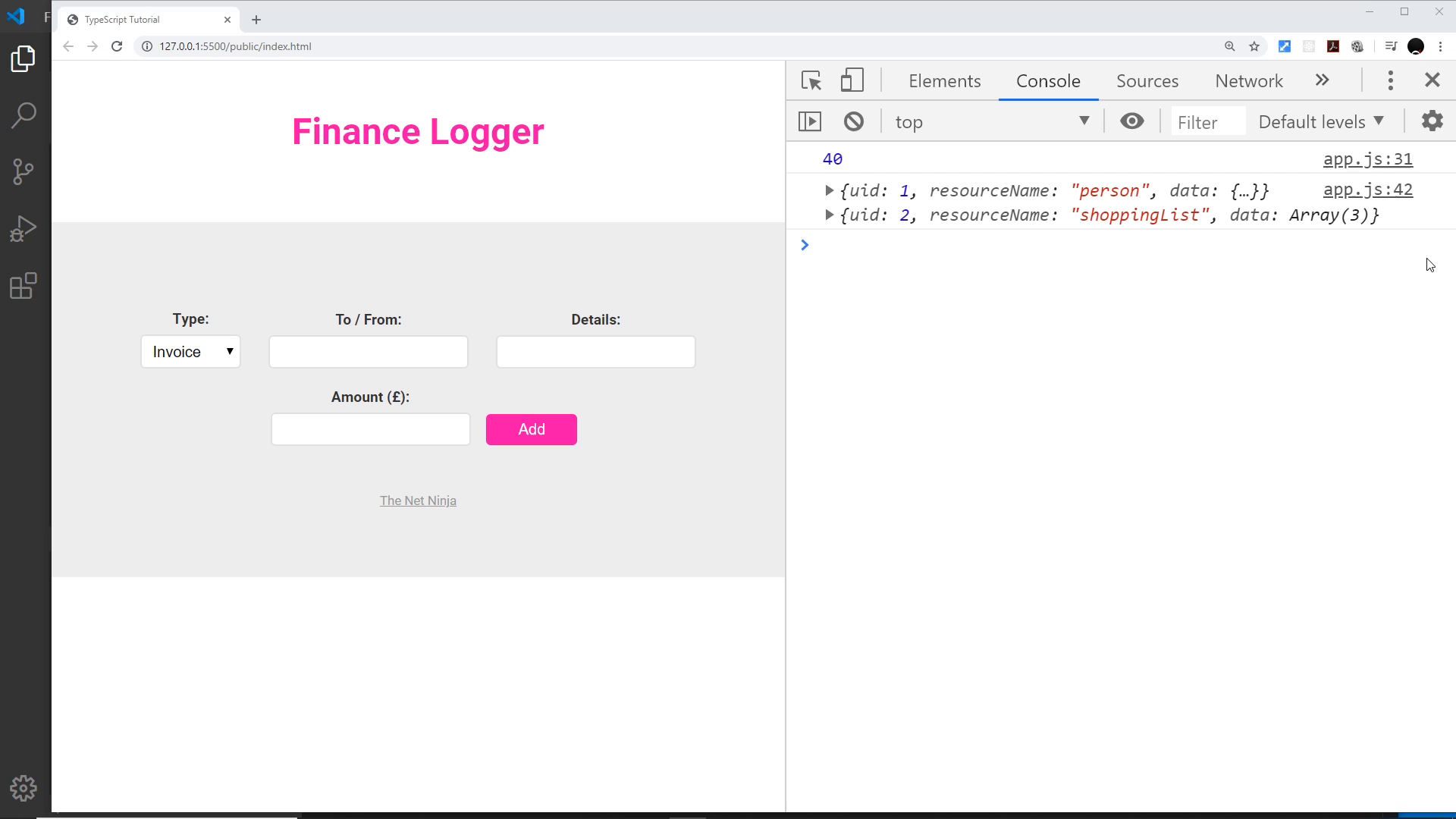
Object payload — flip the argument and objects are accepted again:
const docThreeObj: Resource<object> = {
	uid: 1,
	resourceName: "person",
	data: { name: "shaun" },
};
Array payload — the type argument can be any composite type, e.g. string[]:
const docFour: Resource<string[]> = {
	uid: 2,
	resourceName: "shopping list",
	data: ["bread", "milk", "toilet paper"],
};

const bad2: Resource<string[]> = {
	uid: 2,
	resourceName: "shopping list",
	data: "bread", // Error — data must be a string array
};
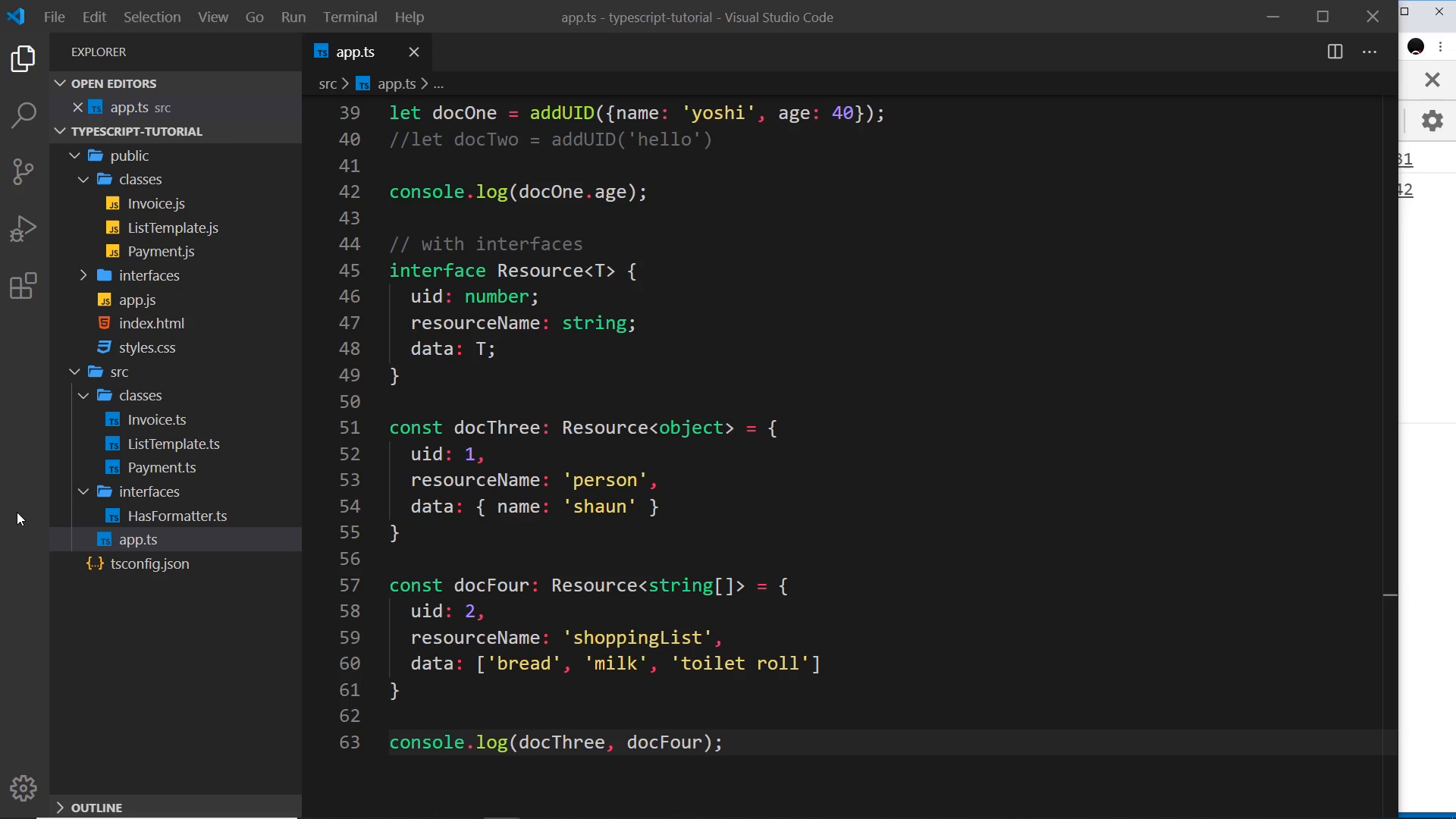
One interface, three payload shapes, full checking on each. That is the payoff: the interface stays reusable without collapsing data to any.
One interface, three payload shapes, full checking on each. Next up: the generic Resource<T> interface meets descriptive numeric codes — 019 — Enums.
Prev: 017 — Rendering an HTML Template · Next: 019 — Enums
Transcript notes: <T extends object> (not “9 capitals extends object”), addUID (not “add UID”/“addUUID” — no UUID API is used, the id is Math.floor(Math.random() * 100)), docOne/docTwo/docThree/docFour (not “doc 1”/“doc to”/“duck 3”/“doc 4”), 'shaun' (not “Sean”), and console output { name: 'yoshi', age: 40, uid: 84 } (name, age, then random uid — not a sentence). The missing-= error in the shopping-list example is a live on-screen typo, fixed in the same take — not a generics rule.