017 — Rendering an HTML Template (ListTemplate class)
Full companion narrative for TypeScript Tutorial #17 - Rendering an HTML Template: the ListTemplate class, interface-typed render, literal union position, and wiring it into the submit handler
Video: 017 · TypeScript Tutorial #17 - Rendering an HTML Template · watch · ~10:09 · Net Ninja TypeScript tutorial series
Source: this is a written companion to the video. Part of the Favorite TypeScript Videos curated path, module 05 (objects and interfaces). Closes the loop from 016: the form builds
Invoice/Paymentobjects — now they render to the page instead of the console.
the one idea: a class that turns objects into list items
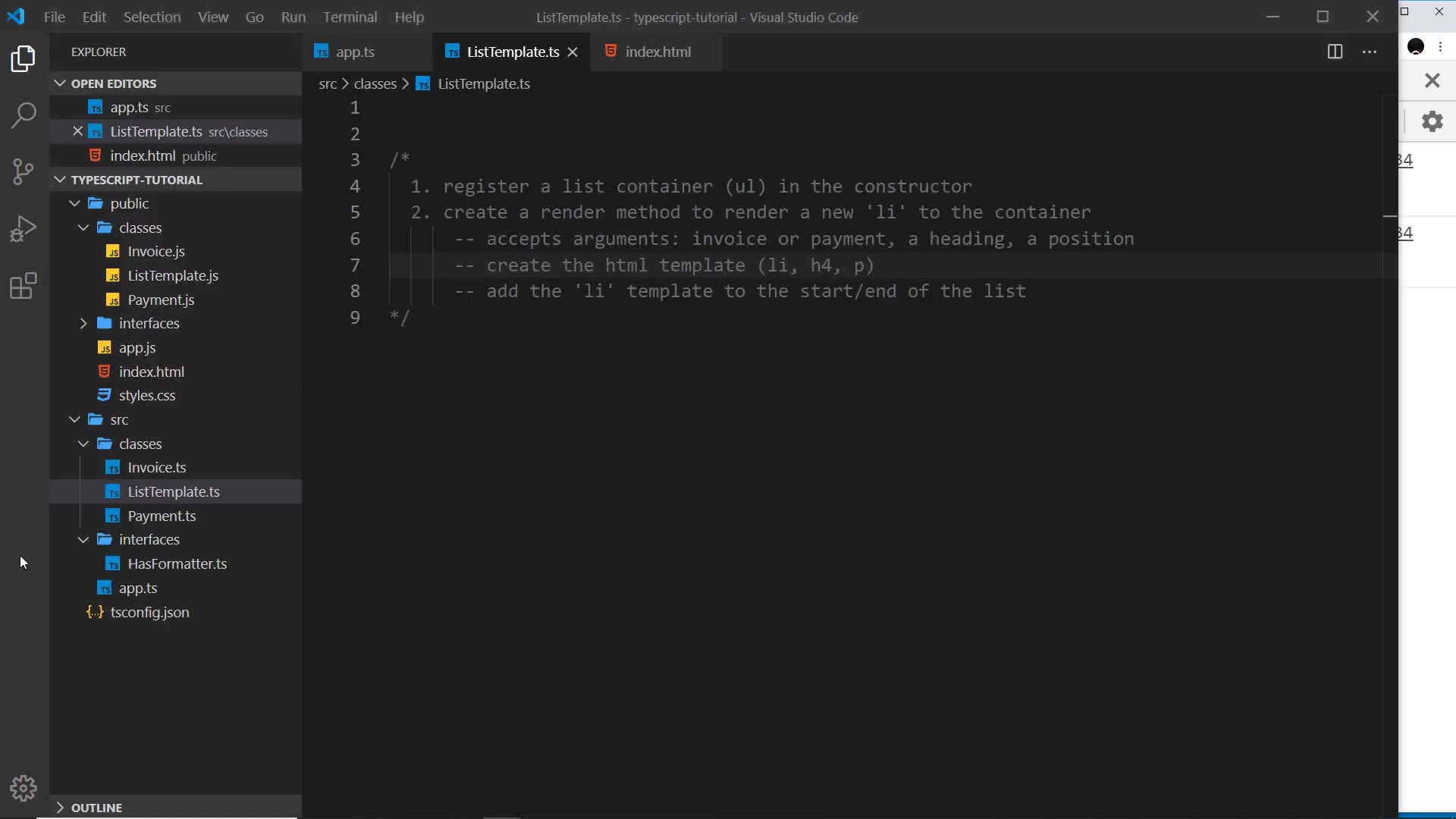
Up to now the Finance Logger form built Invoice and Payment objects and only logged them to the console. This video closes the loop: a brand-new ListTemplate class takes a formatted object and renders it as an li inside the ul on the page.
The class does exactly two things:
- register a list container (a
ulelement) in the constructor - expose a
rendermethod that builds anlitemplate and inserts it at the start or end of that container
reading the transcript: every “URL” is the ul
The auto-transcript mangles several terms. Corrections used throughout this narrative:
| transcript says | actually means |
|---|---|
| “URL” / “this URL in the index.html” | ul — the unordered-list element in index.html |
| “has formata” | HasFormatter — the shared interface |
| “it could be nulled” | querySelector can return null |
| “propend” | prepend (insert at start) |
Nothing about network URLs appears in this video. Every “URL” is a mishearing of “UL”.
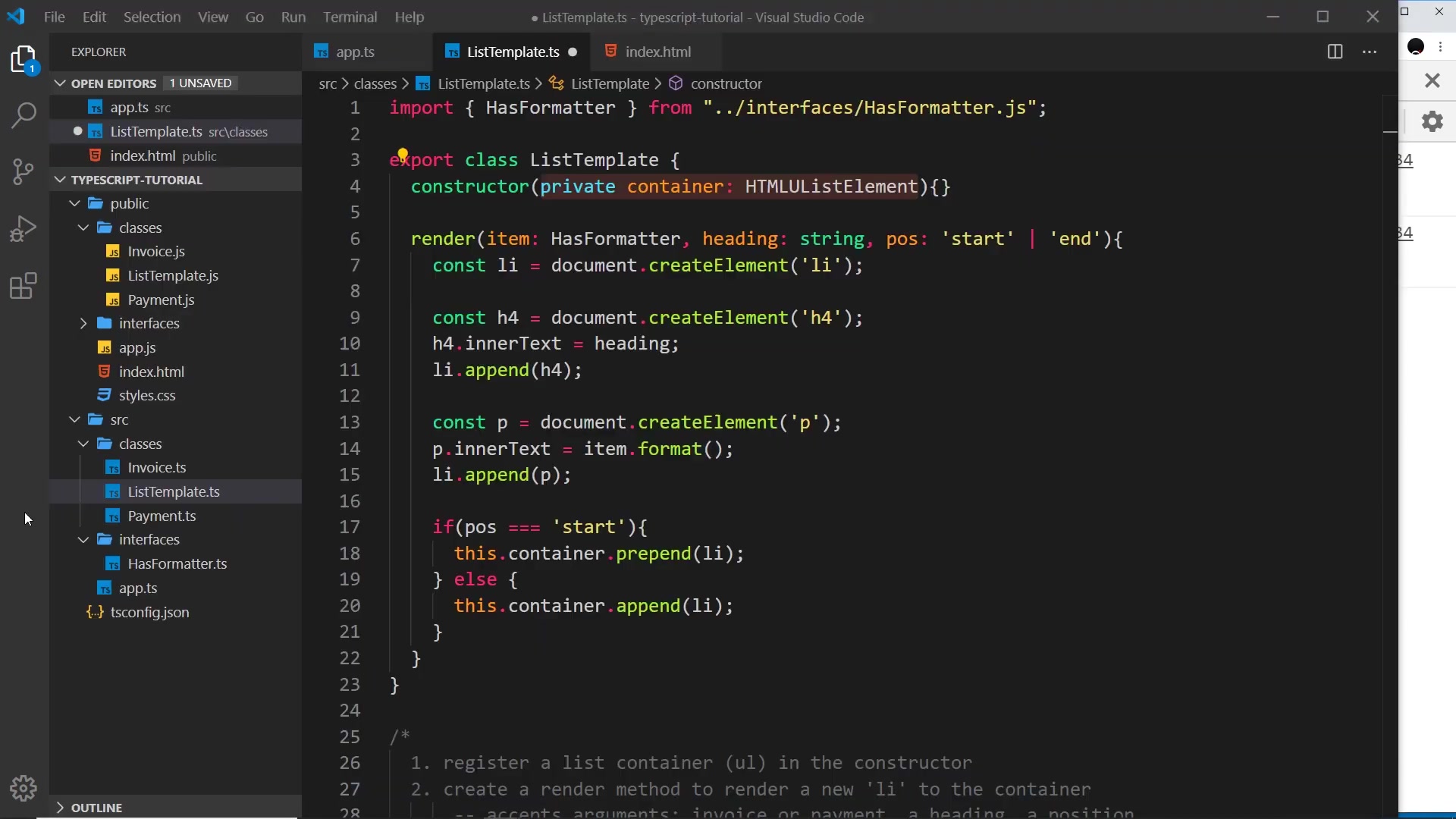
the file: classes/ListTemplate.ts
import { HasFormatter } from "../interfaces/HasFormatter.js";

export class ListTemplate {
	constructor(private container: HTMLUListElement) {}

	render(item: HasFormatter, heading: string, pos: "start" | "end") {
		const li = document.createElement("li");

		const h4 = document.createElement("h4");
		h4.innerText = heading;
		li.append(h4);

		const p = document.createElement("p");
		p.innerText = item.format();
		li.append(p);

		if (pos === "start") {
			this.container.prepend(li);
		} else {
			this.container.append(li);
		}
	}
}
It is exported because app.ts imports it later.
the constructor registers the container
constructor(private container: HTMLUListElement) {}
The parameter property (private in front of the constructor arg) automatically assigns the passed-in ul to this.container — no separate field declaration and no assignment body needed (pattern taught in 013). The type is HTMLUListElement, the DOM type for a ul, so the constructor only accepts an actual unordered-list element, not any element.
render takes an interface, not a concrete class
render(item: HasFormatter, heading: string, pos: 'start' | 'end')
Three arguments:
item: HasFormatter— either anInvoiceor aPayment. Typing it as the concrete classes would force a choice; typing it as theHasFormatterinterface accepts anything that implementsformat(). Both classes already implementHasFormatter, so both qualify. The editor auto-imports the interface (with the.jsextension the project uses).heading: string— the text for theh4at the top of the list item (e.g. “Invoice” or “Payment”).pos: 'start' | 'end'— a literal union type: only those two strings are legal, nothing else. The type system enumerates the allowed options instead of a comment saying so.
Because item is guaranteed to implement HasFormatter, the body can call item.format() with confidence and put the returned string in the p tag.
building DOM nodes with inferred types
const li = document.createElement("li");
const h4 = document.createElement("h4");
h4.innerText = heading;
li.append(h4);

const p = document.createElement("p");
p.innerText = item.format();
li.append(p);
Plain DOM API, no framework: createElement, innerText, append. TypeScript infers each node’s type from the tag string — hovering li shows HTMLLIElement. No annotations needed. Structure per item: li > h4 (heading) + p (formatted string). Placement branch: pos === 'start' uses this.container.prepend(li), otherwise this.container.append(li).
wiring it up in app.ts: instance + submit handler
// list template instance
const ul = document.querySelector("ul")!;
const list = new ListTemplate(ul);

form.addEventListener("submit", (e: Event) => {
	e.preventDefault();

	let doc: HasFormatter;
	if (type.value === "invoice") {
		doc = new Invoice(toFrom.value, details.value, amount.valueAsNumber);
	} else {
		doc = new Payment(toFrom.value, details.value, amount.valueAsNumber);
	}

	list.render(doc, type.value, "end");
});
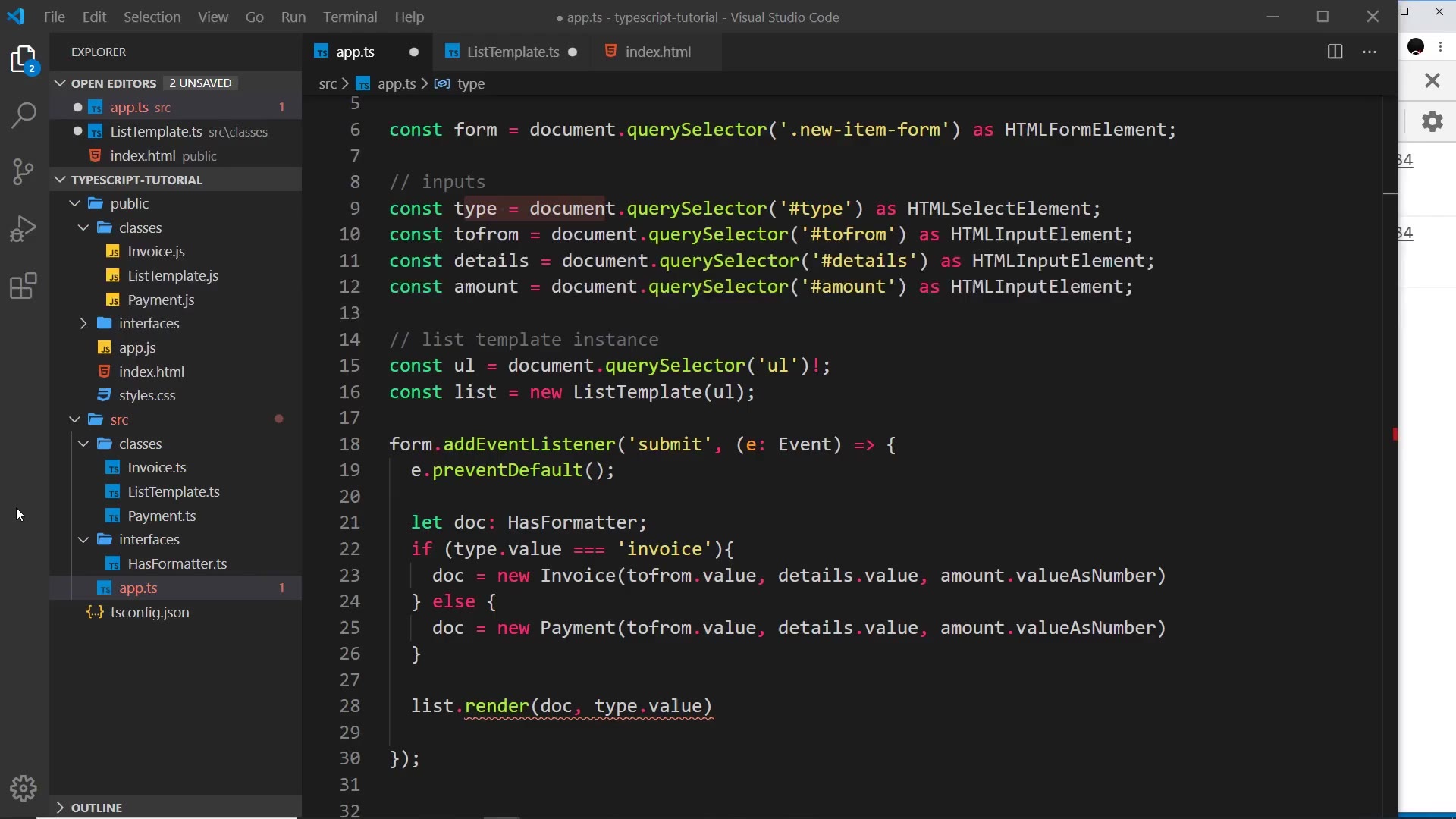
Points to notice:
- There is only one
ulon the page, soquerySelector('ul')with no class is enough to grab it. querySelectorcan returnnull, so TypeScript errors on passing it straight intoListTemplate. The!non-null assertion tells the compiler the element definitely exists. TheListTemplateimport at the top ofapp.tsis added automatically by the editor.- The form inputs were already grabbed with
asassertions in an earlier video (HTMLFormElement,HTMLSelectElement,HTMLInputElement). - The old
console.loglines from previous lessons are deleted. The submit handler now builds adoctyped asHasFormatter(either branch assigns compatibly), then callslist.render(...)with the doc, the type string as heading, and the position.
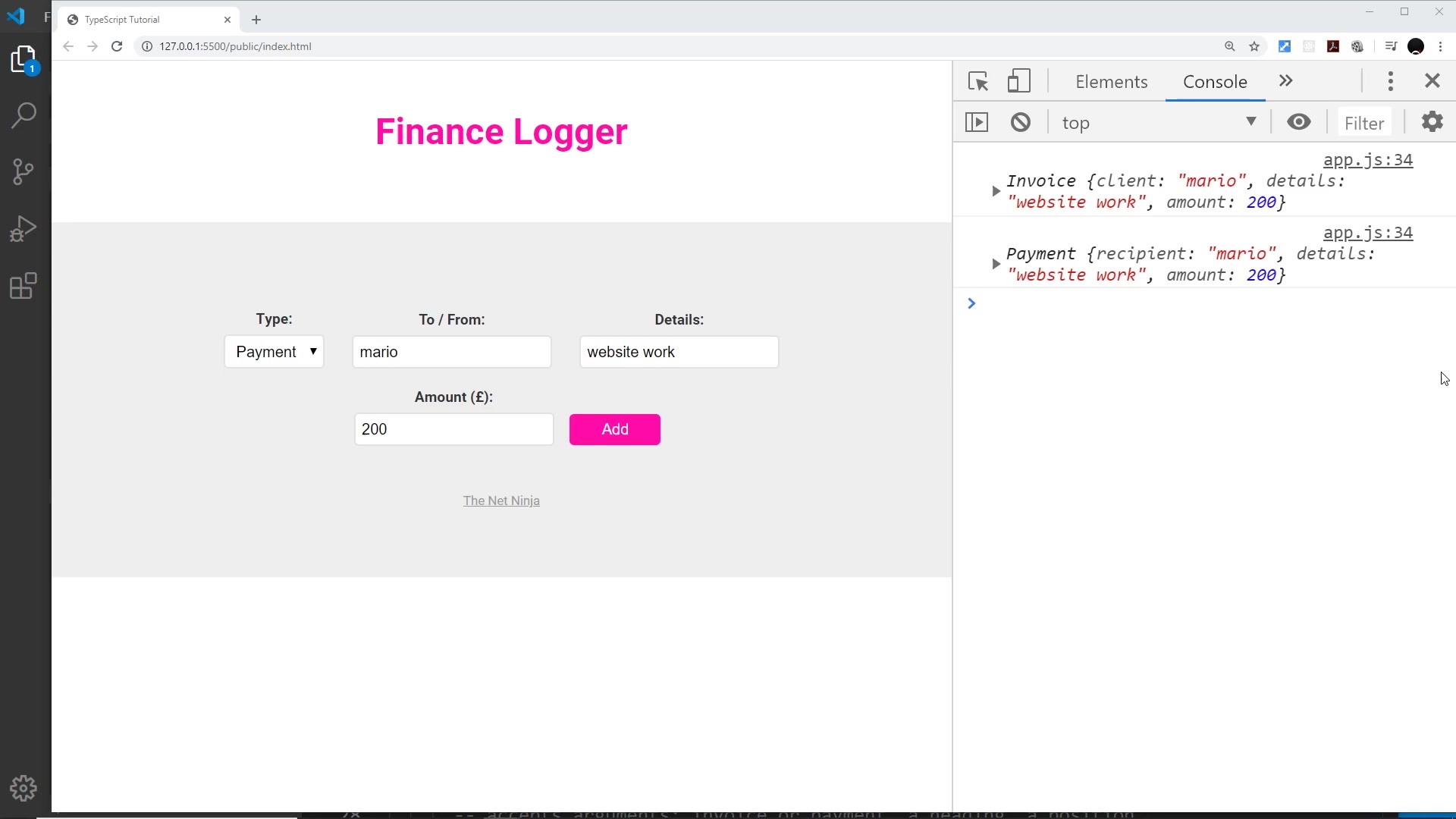
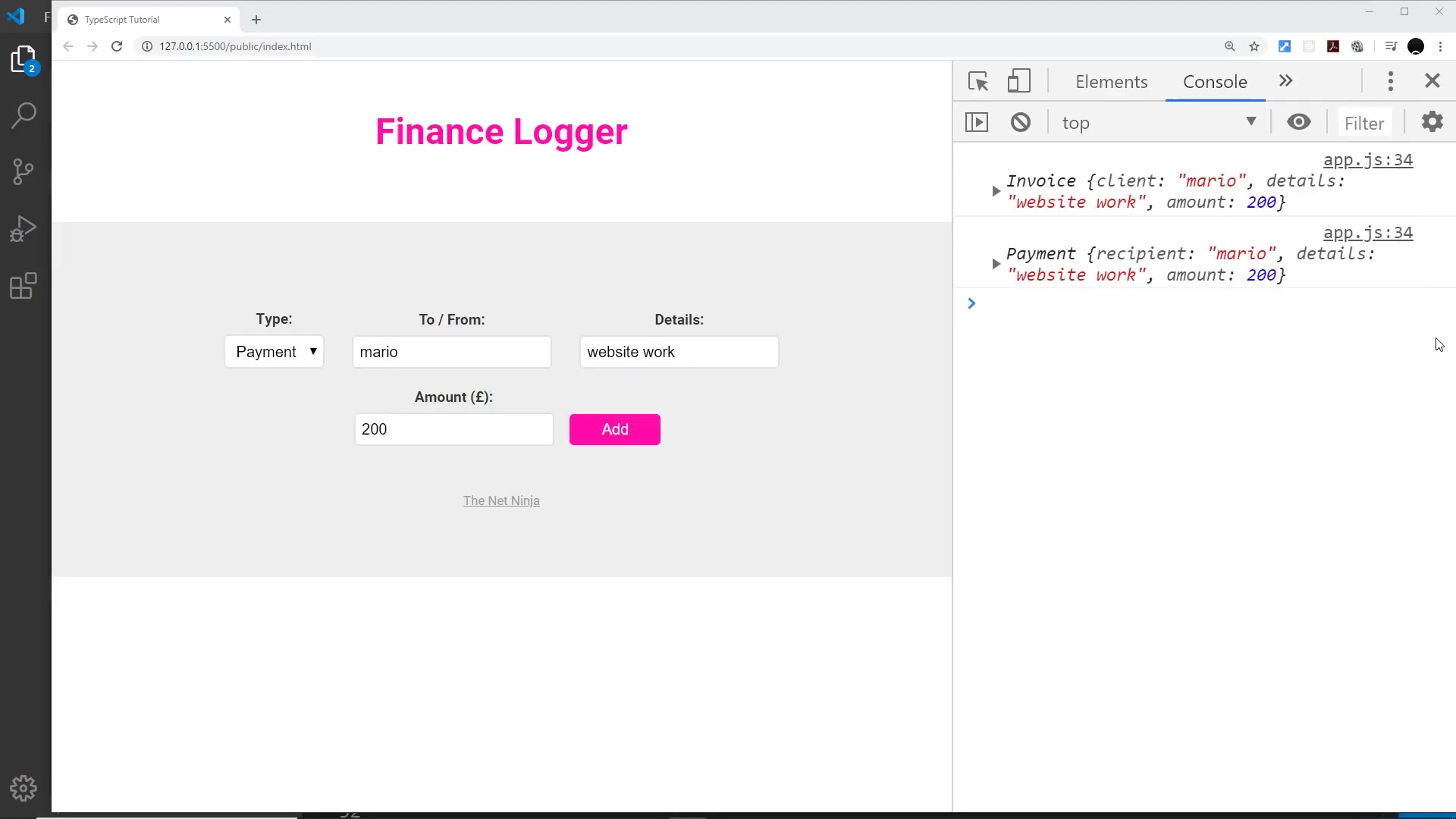
rendered output on the page
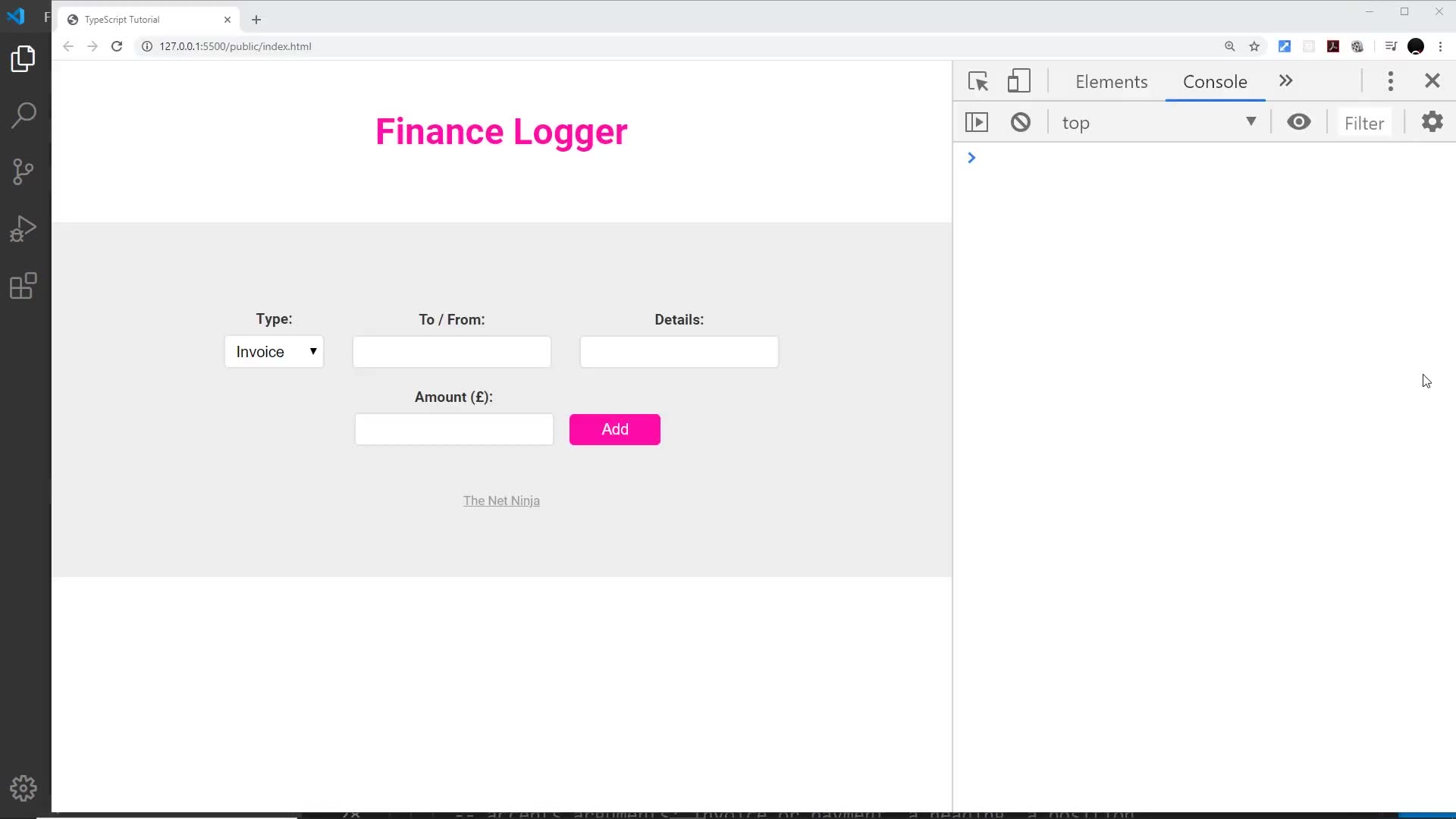
Submitting an invoice for Mario appends a real list item — the format() string moves from console to page:
<ul>
	<li>
		<h4>Invoice</h4>
		<p>mario owes £250 for website work</p>
	</li>
</ul>
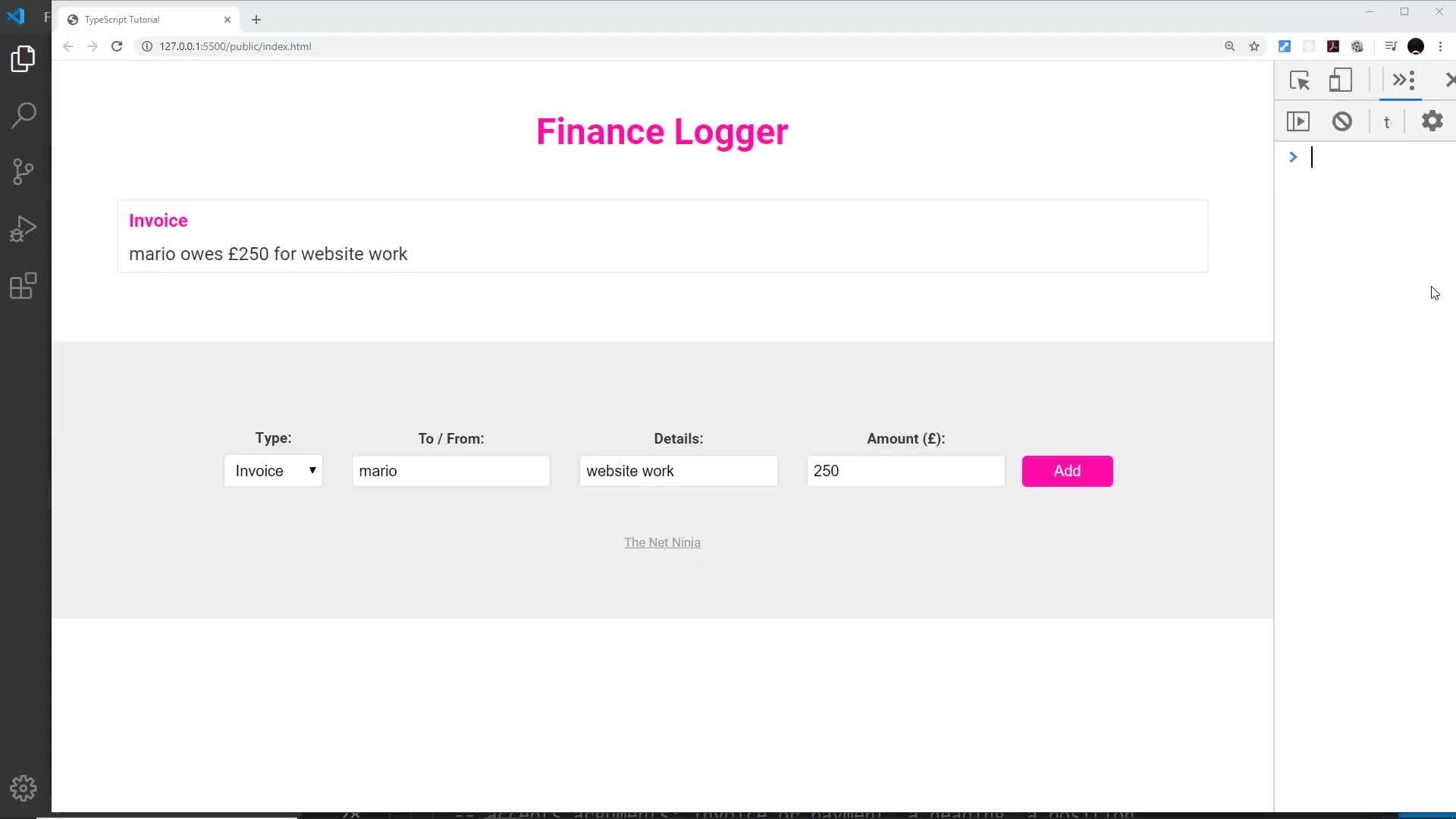
Each further submission renders another li through the same render call.
With the Finance Logger rendering to the page, module 05 closes — classes, modifiers, modules, interfaces, rendering — and the series continues into patterns and best practices; see the course map for what’s next.
Prev: 016 — Interfaces with Classes · Next: 018 — Generics
Transcript notes: ul (not “URL” — no network URLs appear anywhere in this video), HasFormatter (not “has formata”), prepend (not “propend”). One frame caution: a mid-edit capture (archived as frame_0007.jpg, not embedded) shows li.append(item.format()); the finished code above creates the p element and sets its innerText, matching the final frame.