007 — Project Structure with tsconfig (src, outDir, and watch mode)
Full companion narrative for TypeScript Tutorial — Project Structure with tsconfig: splitting src from public, tsc --init, rootDir/outDir, include, and watch mode
Video: 007 · TypeScript Tutorial - Project Structure with tsconfig · watch · ~6:50 · Net Ninja TypeScript tutorial series
Source: this is a written companion to the video. Part of the Favorite TypeScript Videos curated path, module 00 (foundations). Single-file compiles stop scaling here — this lesson sets up the project layout the rest of the series uses.
the problem: one file stops scaling
So far the series has worked with a single TypeScript file (sandbox.ts) compiled to a single JavaScript output sitting next to it. That is fine for learning, but a real project has many TypeScript files, compiled JavaScript files, stylesheets, and HTML — and mixing source and deployable output in one folder becomes unmaintainable.
The standard answer is two folders with two jobs:
src/(called “source” in the video) — everything you author:.tsfiles you never deploy.public/— everything you deploy to a web server: final HTML, compiled.js, CSS.
project/
├── src/            # author here (sandbox.ts, test.ts, ...)
│   └── sandbox.ts
├── public/         # deploy this (index.html, sandbox.js, styles.css)
│   ├── index.html
│   └── sandbox.js
└── tsconfig.json   # the wiring between them (created below)
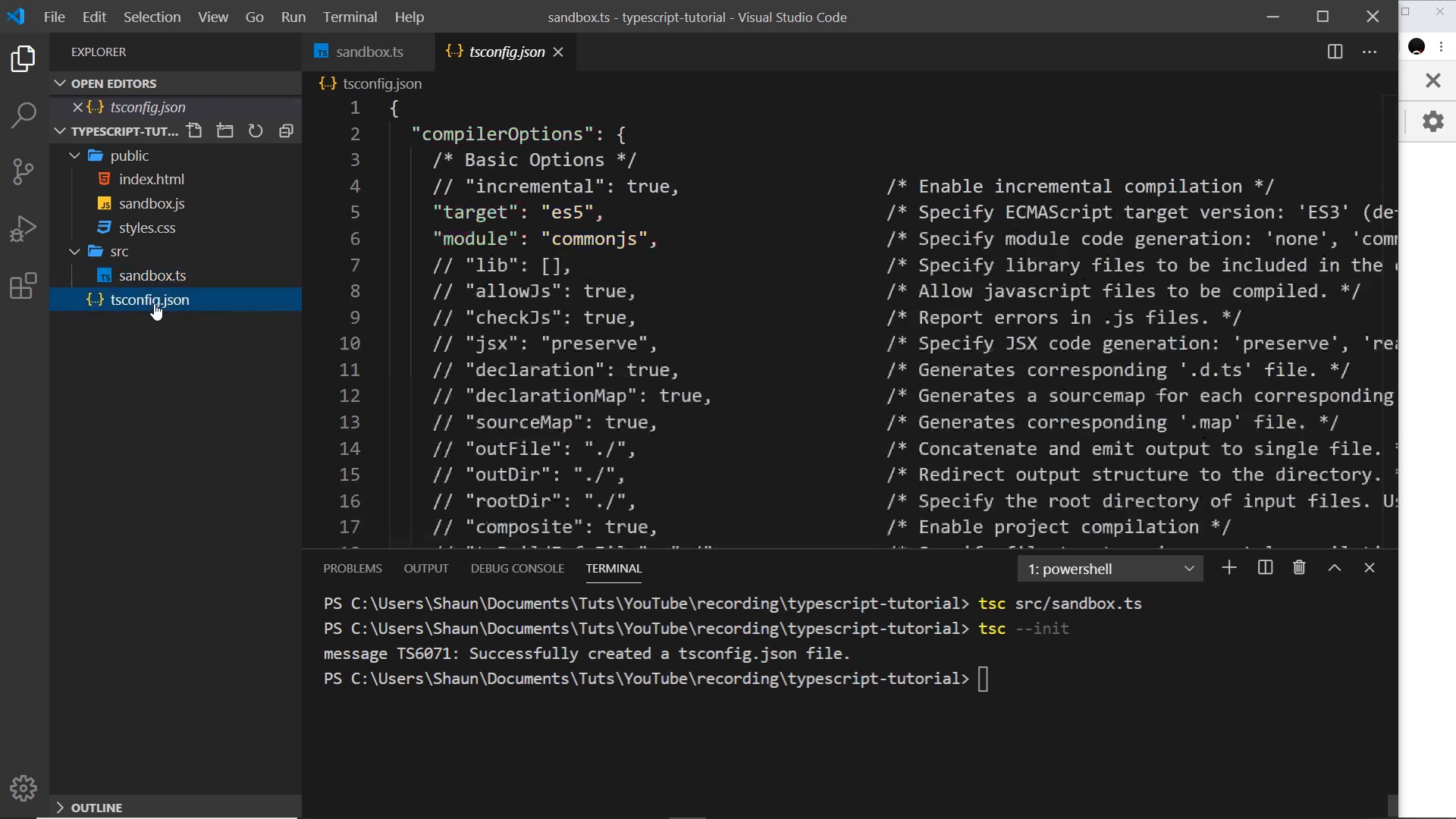
why naive tsc breaks the layout
Compiling a file by path, e.g. tsc src/sandbox.ts, drops the emitted .js next to the input — inside src/ — so you end up hand-moving output into public/ after every compile. That defeats the purpose of the split.
tsc –init: generating the config file
The fix is a project-level config file created once:
tsc --init
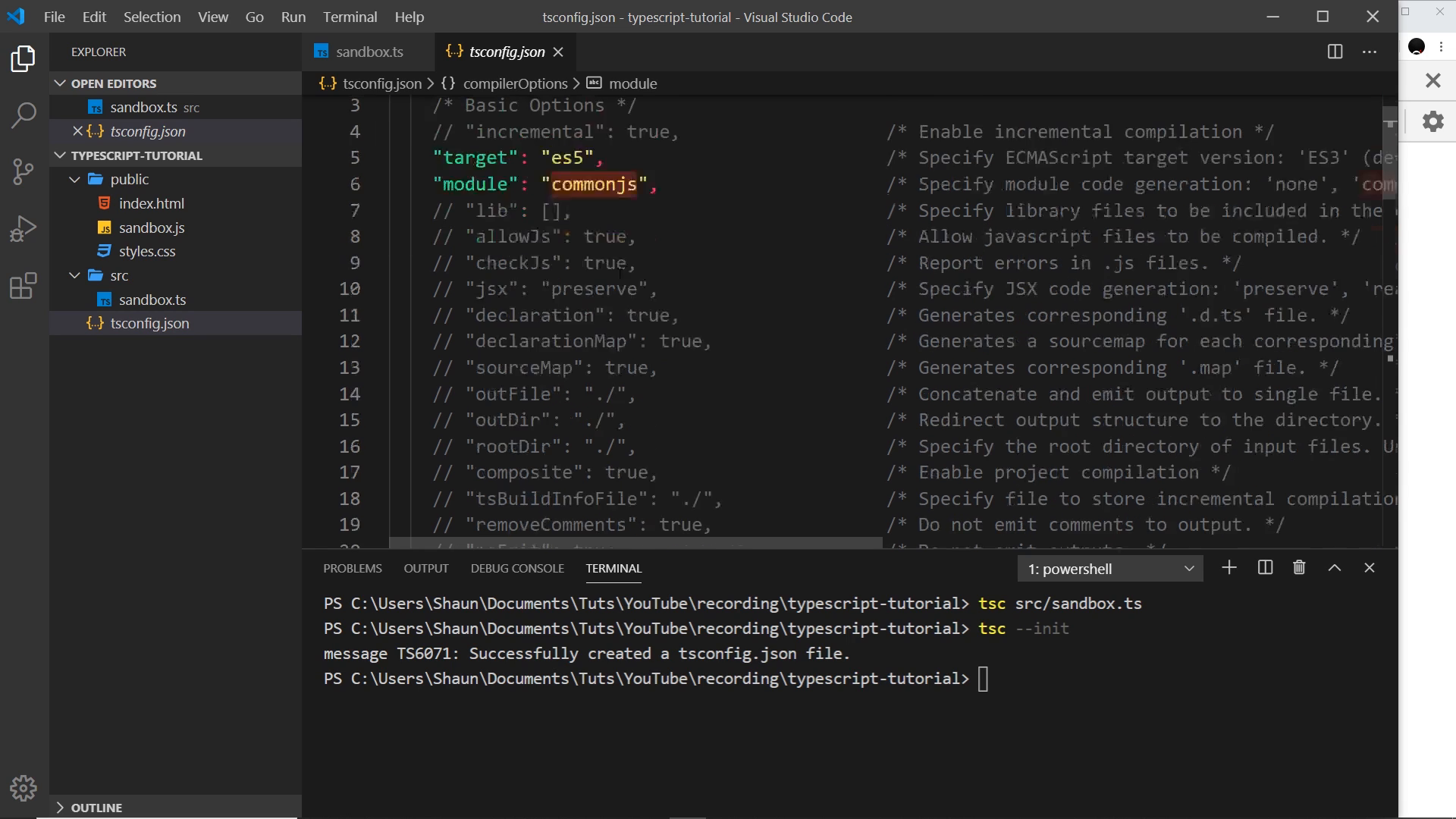
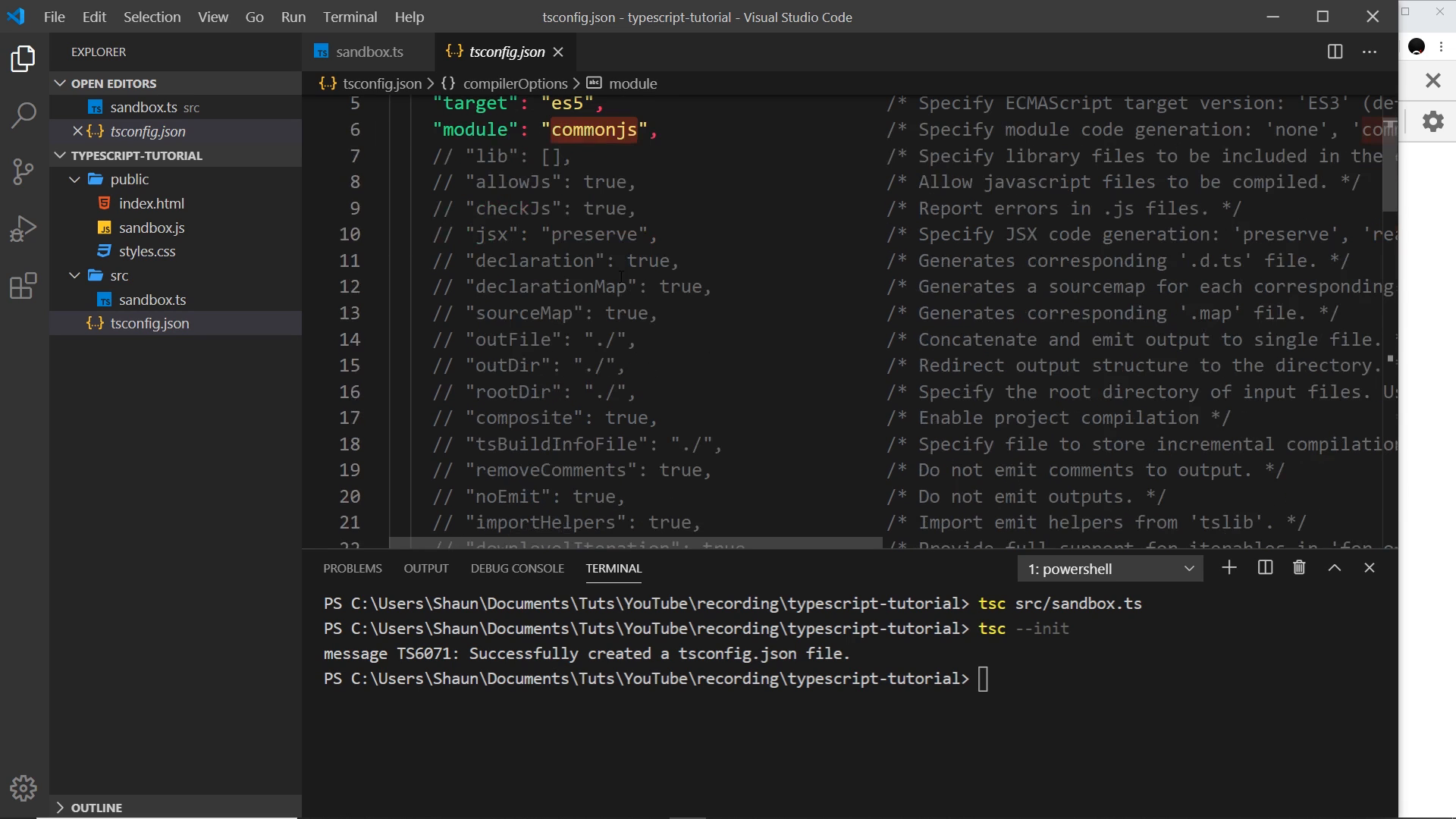
This writes a tsconfig.json full of commented compiler options. The video calls out three of them explicitly and defers the rest (with a pointer to the official docs):
| Option | Meaning in this video |
|---|---|
target | ECMAScript version of the emitted JS (ES5 by default here; could be ES6/ES2015+) |
module | Module code generation (commonjs shown; revisited later in the series) |
rootDir / outDir | Where sources live vs. where compiled output goes (the focus of this lesson) |
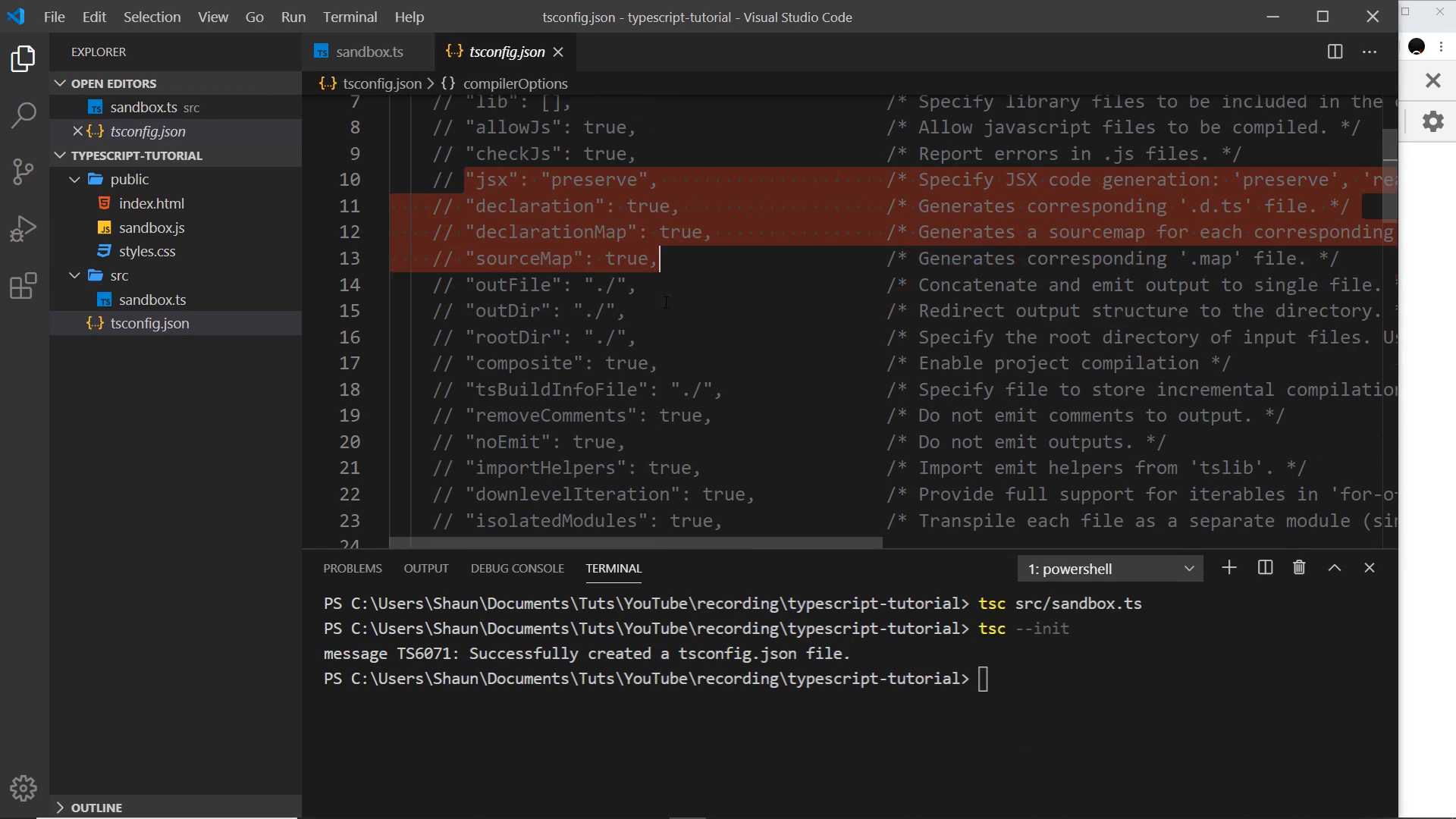
wiring rootDir and outDir
The two settings that matter here:
{
	"compilerOptions": {
		"target": "es5",
		"module": "commonjs",
		"rootDir": "./src",
		"outDir": "./public"
	}
}
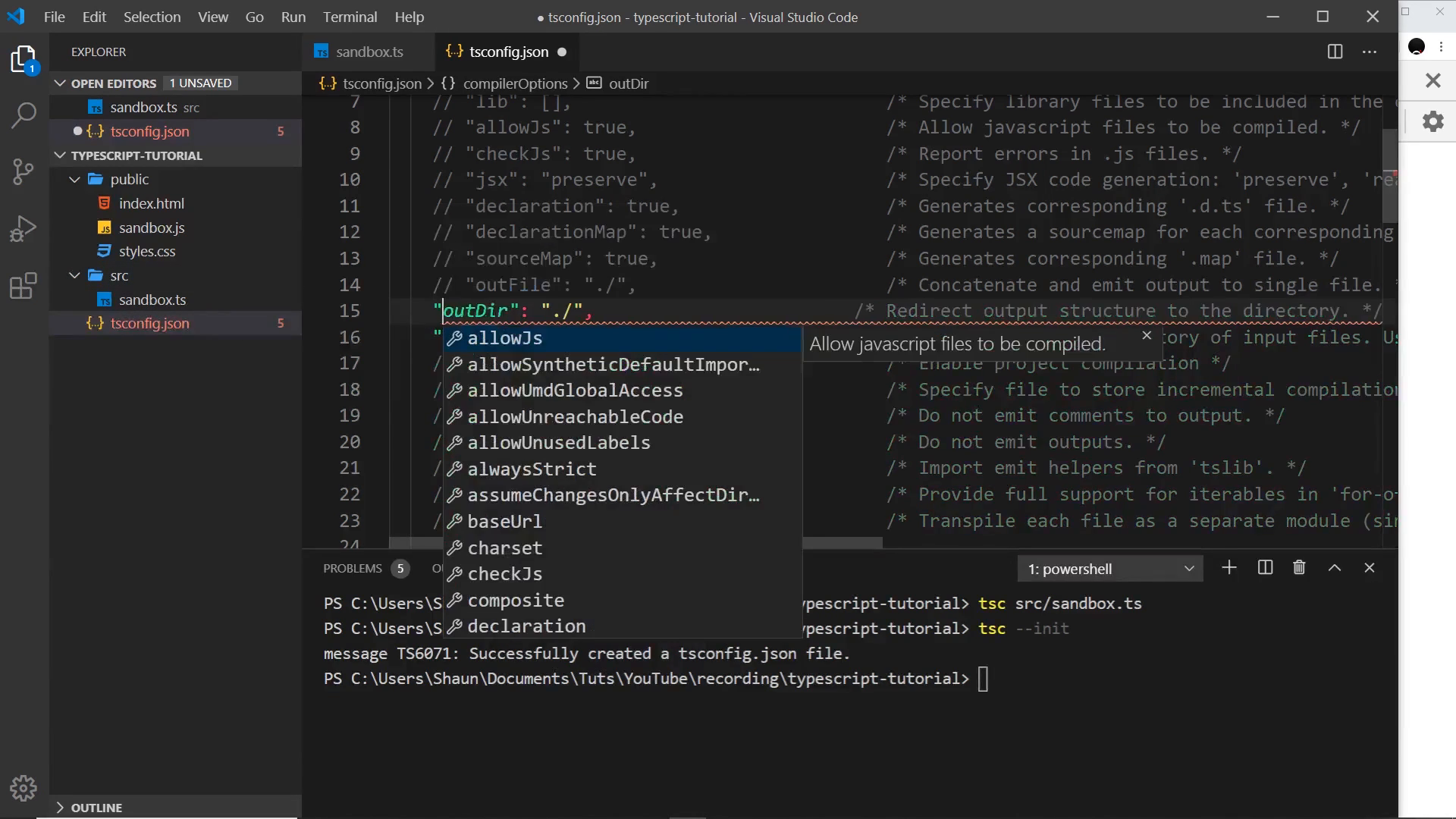
Note: the presenter says the folder names source and public; the screenshots show the canonicalized form "rootDir": "./src" and "outDir": "./public". Treat src/ ≡ source/ — same role, shorter name. Both must be uncommented (remove the leading //) and saved, or they have no effect.
Semantics, stated carefully because the video’s first phrasing is loose:
rootDirdeclares where the compiler expects inputs to live. Files under it are emitted mirroring their relative path directly intooutDir— there is no extrasrc/nesting in the output (src/sandbox.ts→public/sandbox.js, notpublic/src/sandbox.js).- It does not by itself forbid compiling files outside
rootDir(that surprise is the next section).
After saving, the compile command changes from path-based to project-based — bare tsc with no filename:
# old: compiles one file, output lands next to input
tsc src/sandbox.ts

# new: reads tsconfig.json, compiles the project into public/
tsc
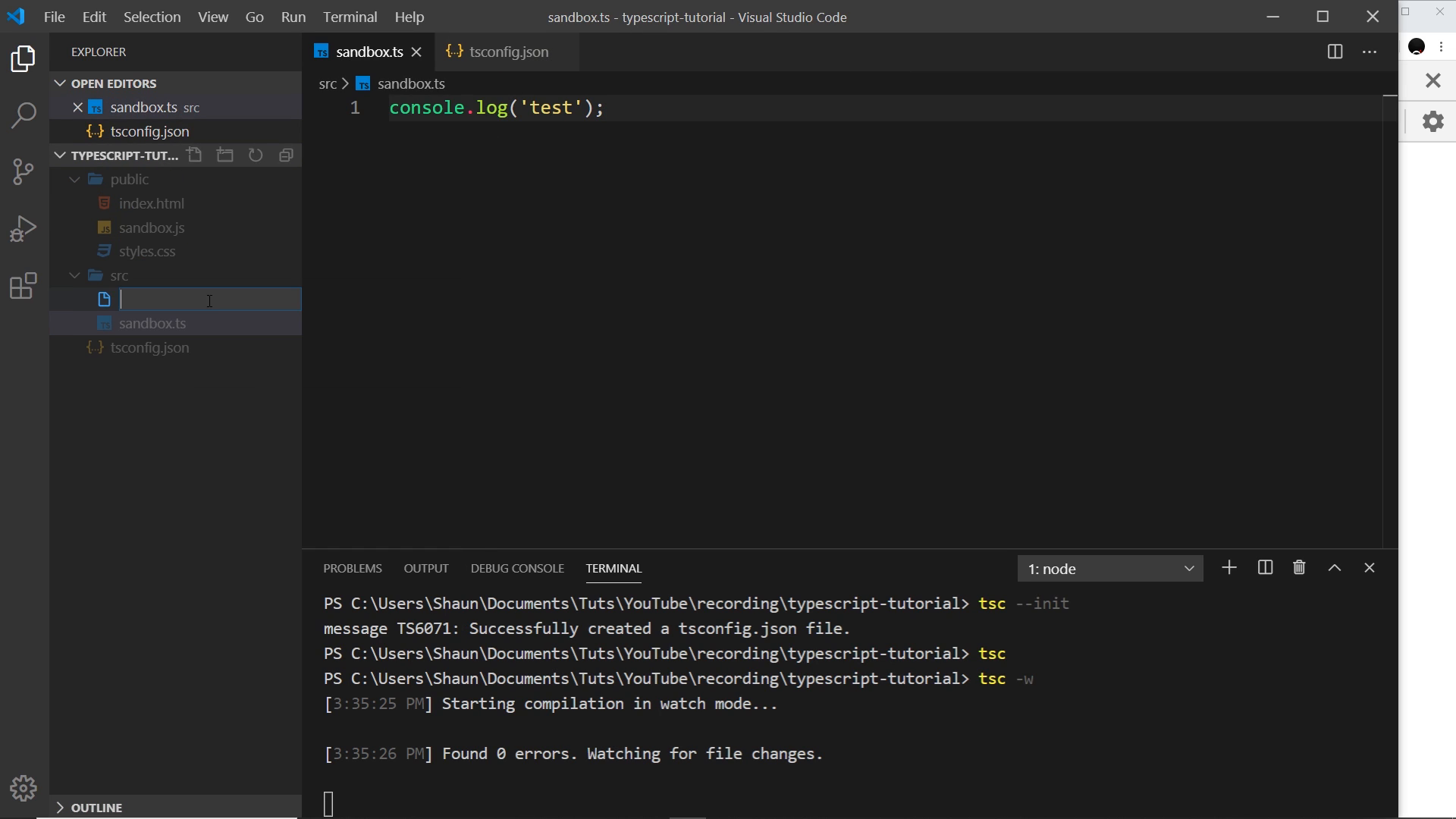
watch mode: compile on save
Appending the watch flag makes the compiler stay alive and re-emit on every save:
tsc -w
# long form: tsc --watch
Demonstrated loop:
- Edit
src/sandbox.ts→ addconsole.log("test")→ save →public/sandbox.jsupdates. - Create
src/test.tswithconsole.log("testing 123")→ save →public/test.jsappears automatically.
Watch covers all files the project includes, not just the one you named — because you no longer name a file at all.
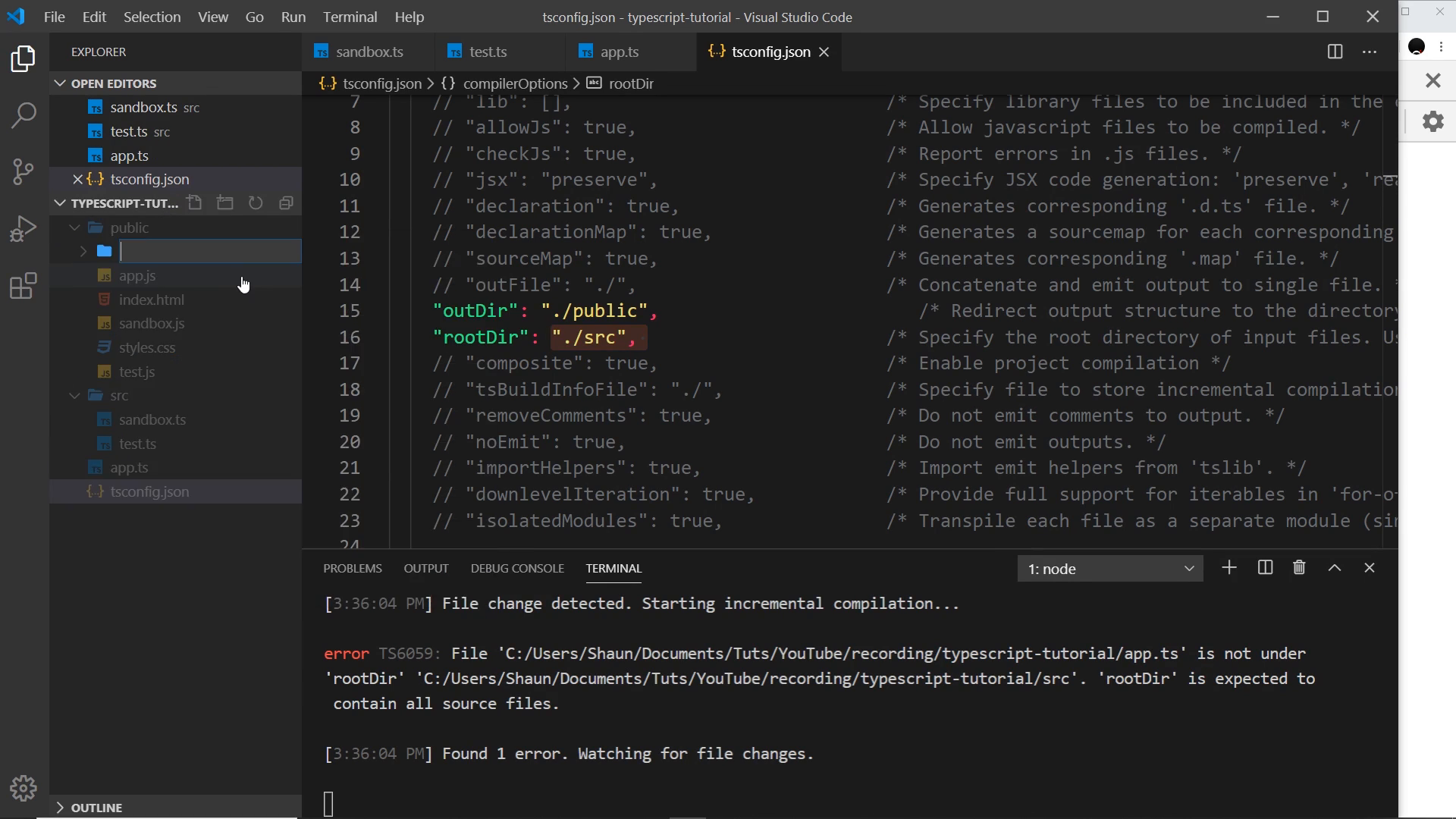
the stray-file surprise: rootDir is not a fence
Creating app.ts at the project root (outside src/) still gets compiled into public/app.js, and the terminal raises the classic error once rootDir enforcement bites:
error TS6059: File 'app.ts' is not under 'rootDir' './src'.
  'rootDir' is expected to contain all source files.
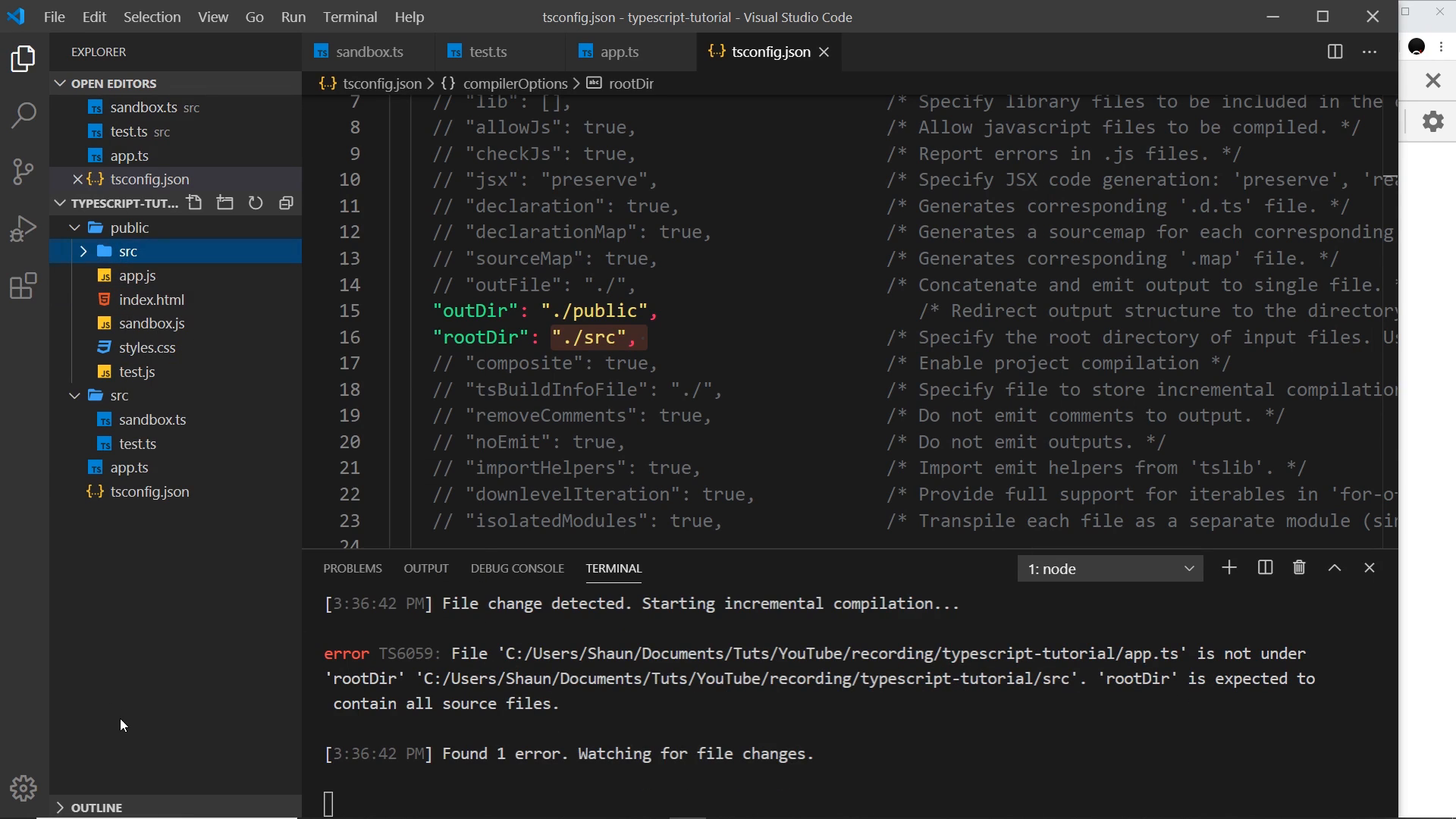
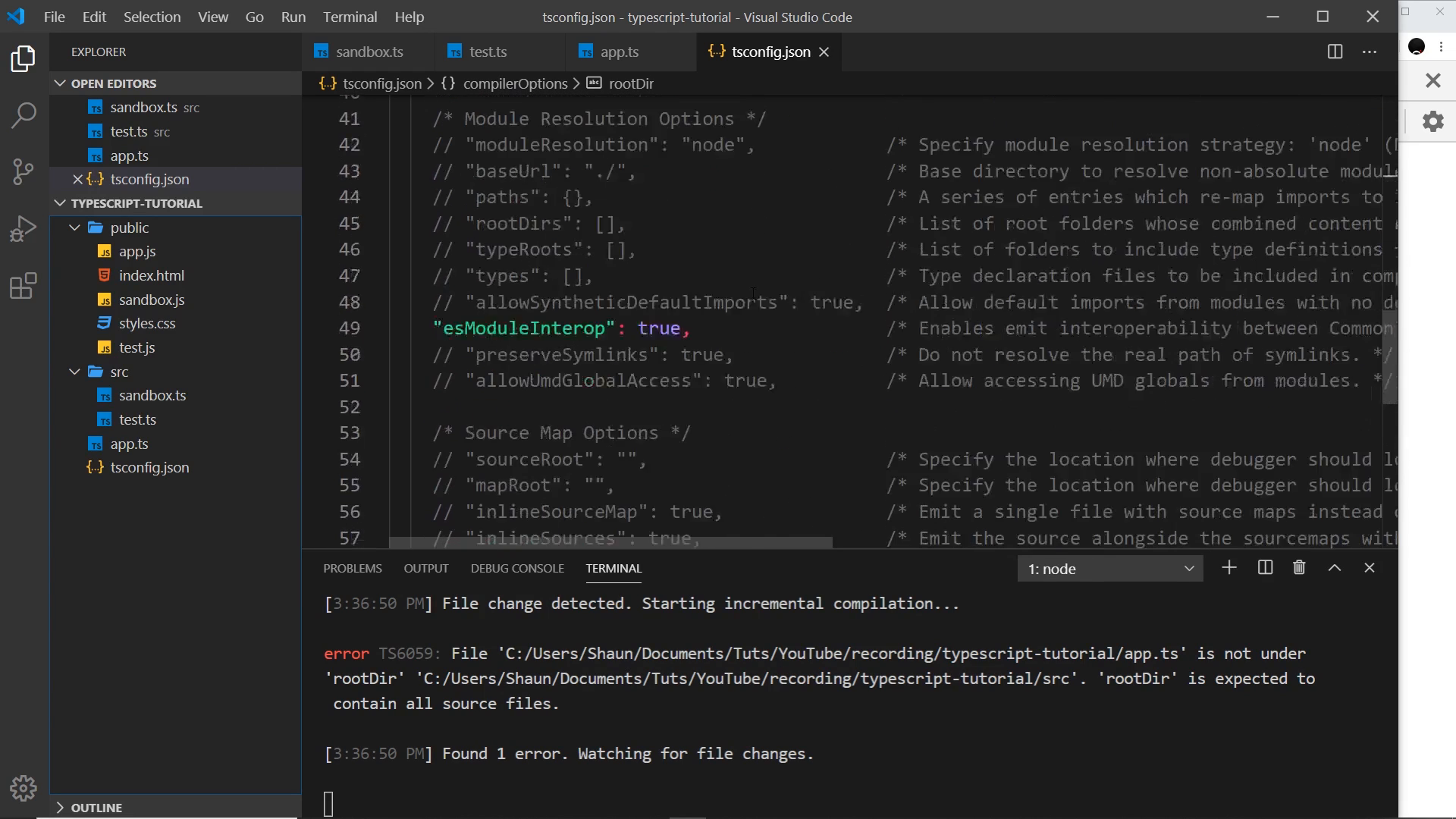
Why: rootDir describes the expected input tree for path mapping, not an inclusion filter. The compiler still picks up the stray file and then complains it cannot place it. The presenter’s mental model correction: “rootDir says anything inside src/ is compiled straight into public/ — it does not say only src/ gets compiled.”
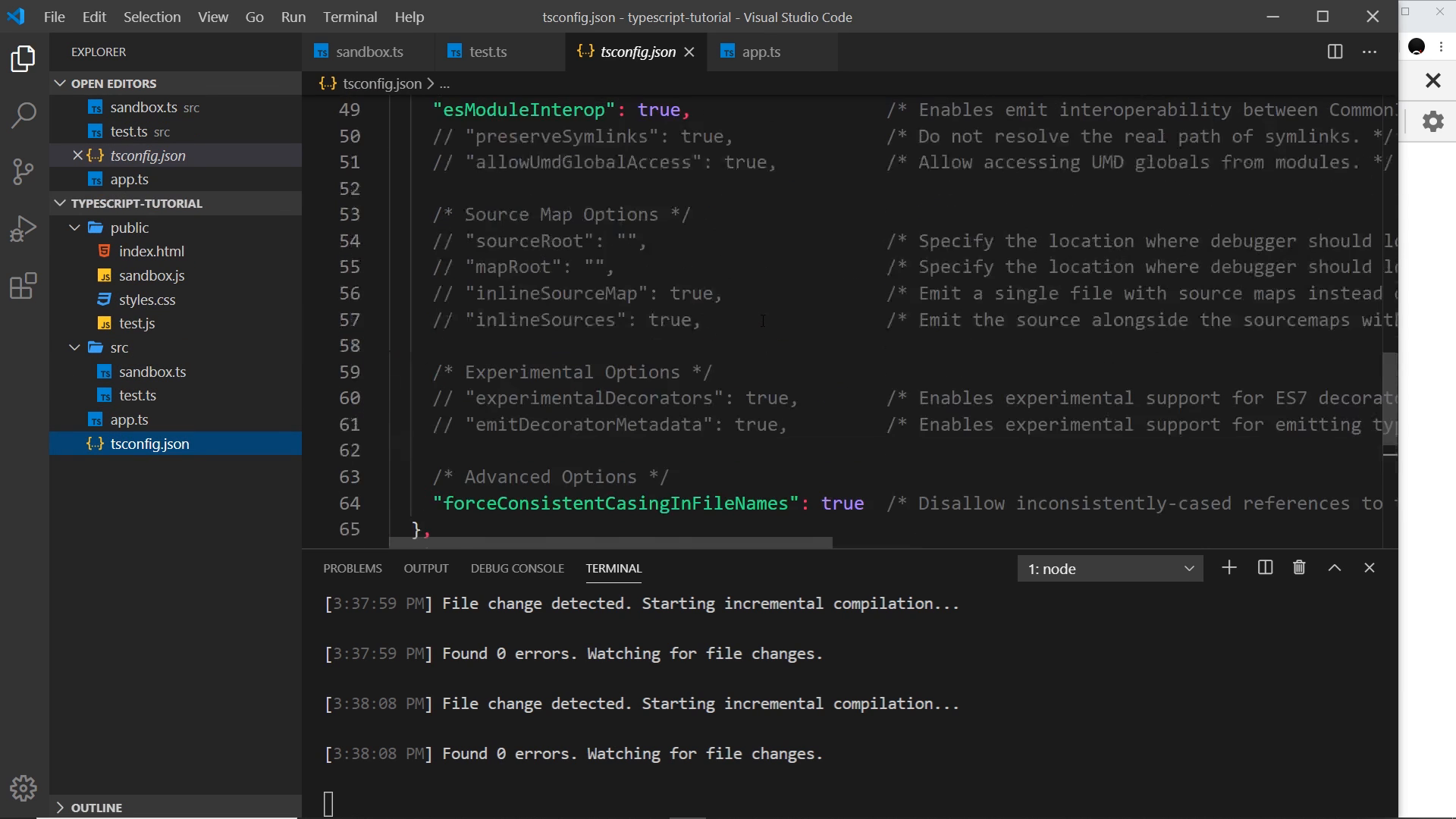
include: restricting compilation to src/
The fix is a top-level (not nested under compilerOptions) include array with quoted glob patterns:
{
	"compilerOptions": {
		"rootDir": "./src",
		"outDir": "./public"
	},
	"include": ["src"]
}
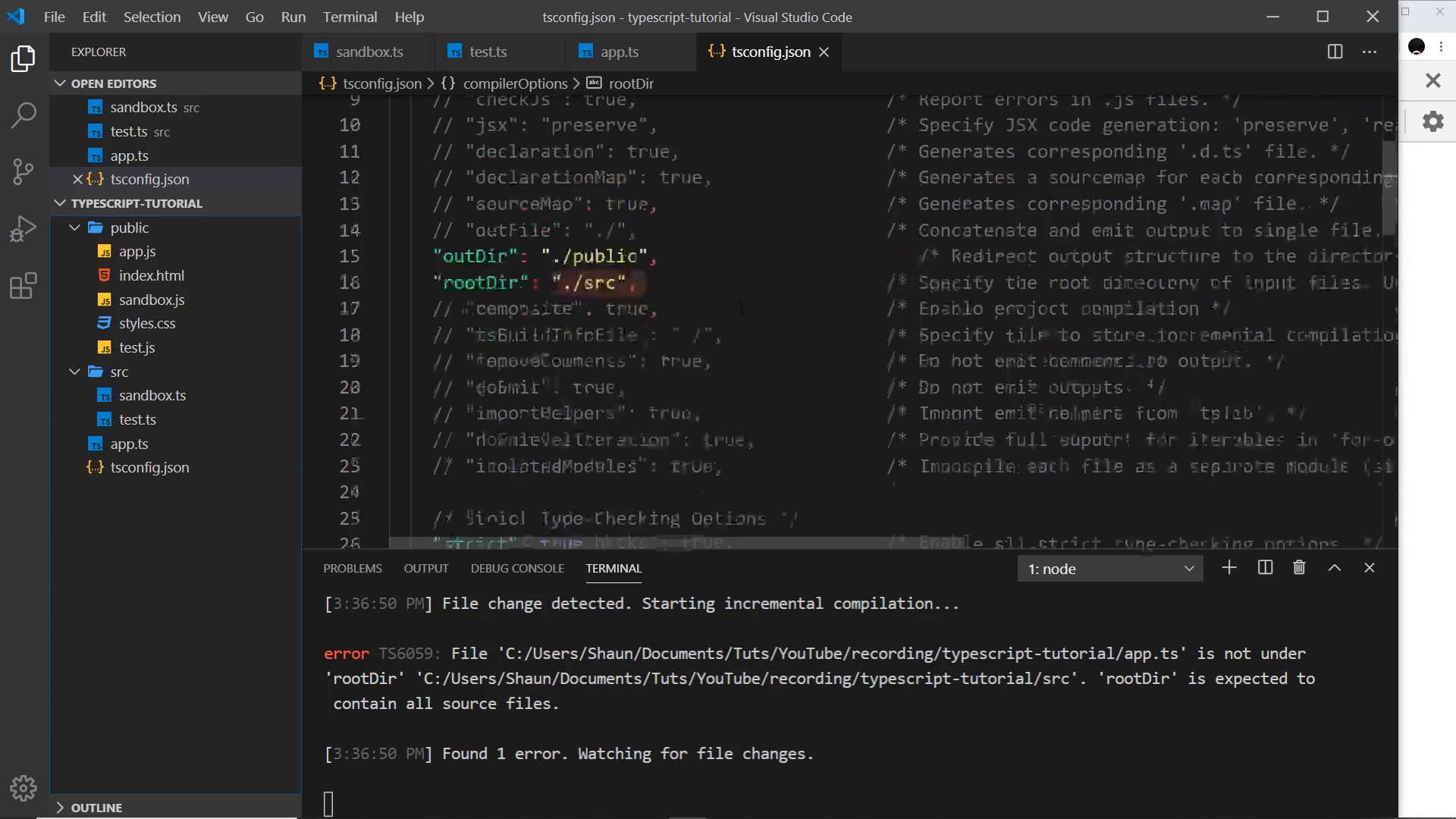
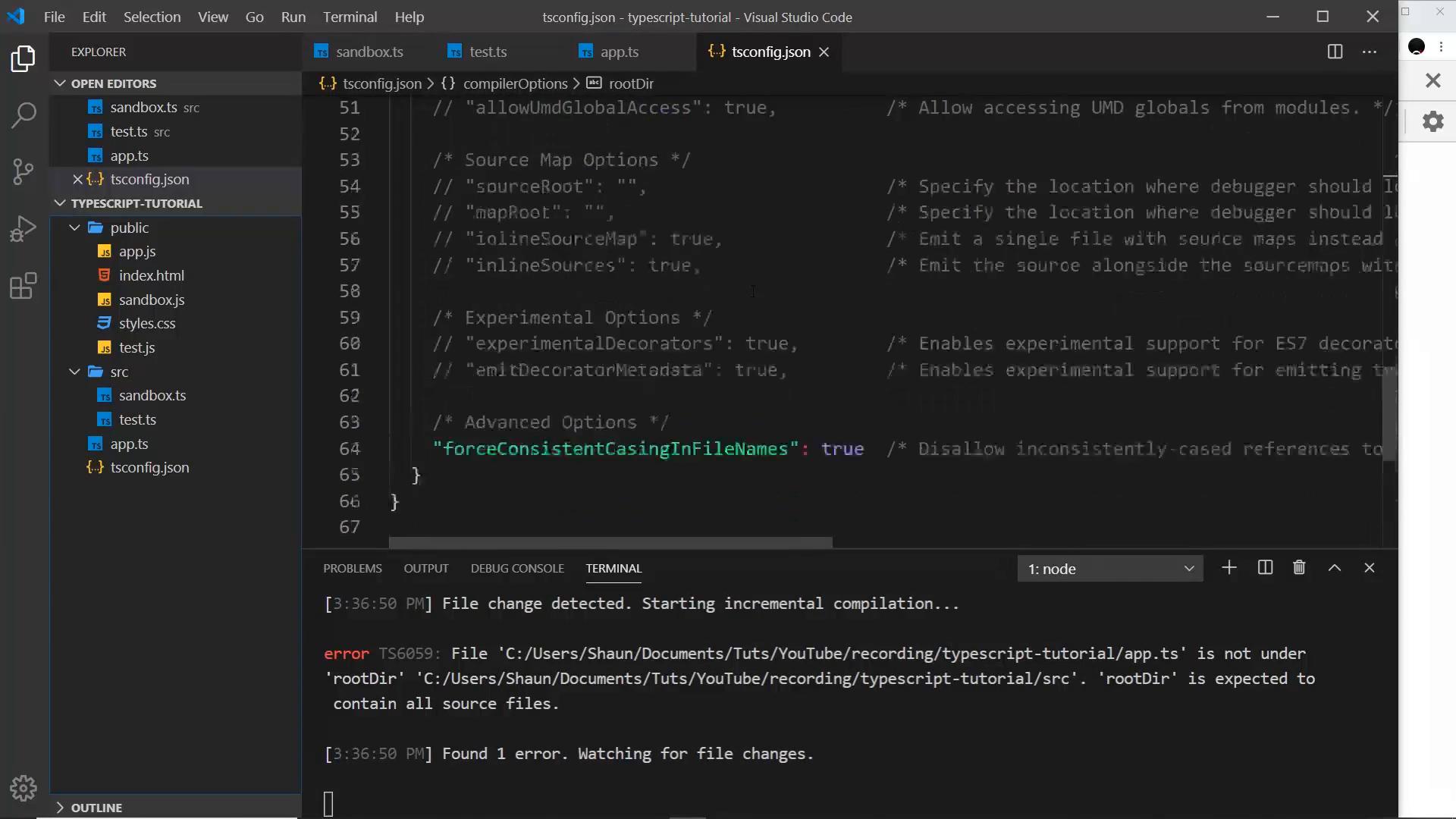
After adding it and deleting the stray outputs:
- Creating a new root-level
app.ts(even withconsole.log("hello")inside) no longer emitspublic/app.js. - Editing and saving files under
src/still re-emits (the “Mario” edit tosandbox.tsand the “testing one two three four” run oftest.tsboth show up inpublic/on screen).
final workflow and recap
The steady-state commands for any project set up this way:
tsc        # one-shot project compile per tsconfig.json
tsc -w     # watch src/ and recompile on save
Next video teaser: with the project wired up, the series turns to functions — 008 — The Function Type in TypeScript.
Prev: 006 — Explicit Types · Next: 008 — The Function Type in TypeScript
Module 00 covered: src/ versus public/ split, tsc –init with target/module and rootDir/outDir, bare tsc project compile, tsc -w watch, rootDir path-mapping versus TS6059 surprise, top-level include: [“src”]; remaining tsconfig options out of scope. Transcript notes: ECMAScript 5, ES6/ES2015, CommonJS, src/ for source folder, tsc, -w/–watch, test.js, include array.