006 — Explicit Types (annotations, arrays, unions, objects)
Full companion narrative for TypeScript Tutorial — Explicit Types: declaring types up front, string arrays, union types, and loose vs shaped objects
Video: 006 · TypeScript Tutorial - Explicit Types · watch · ~8:40 · Net Ninja TypeScript tutorial series
Source: this is a written companion to the video. Part of the Favorite TypeScript Videos curated path, module 00 (foundations). Inference needs an initial value — this lesson covers what to do when the value comes later.
the one idea: declare the type up front, assign the value later
The previous video relied on inference: TypeScript guessed the type from the initial value. That only works when there is an initial value. When a variable must exist before its value is known, inference has nothing to work with and the variable degrades to any. The fix is an explicit type annotation — let name: type with no value — which reserves the variable and locks its future values to that type.
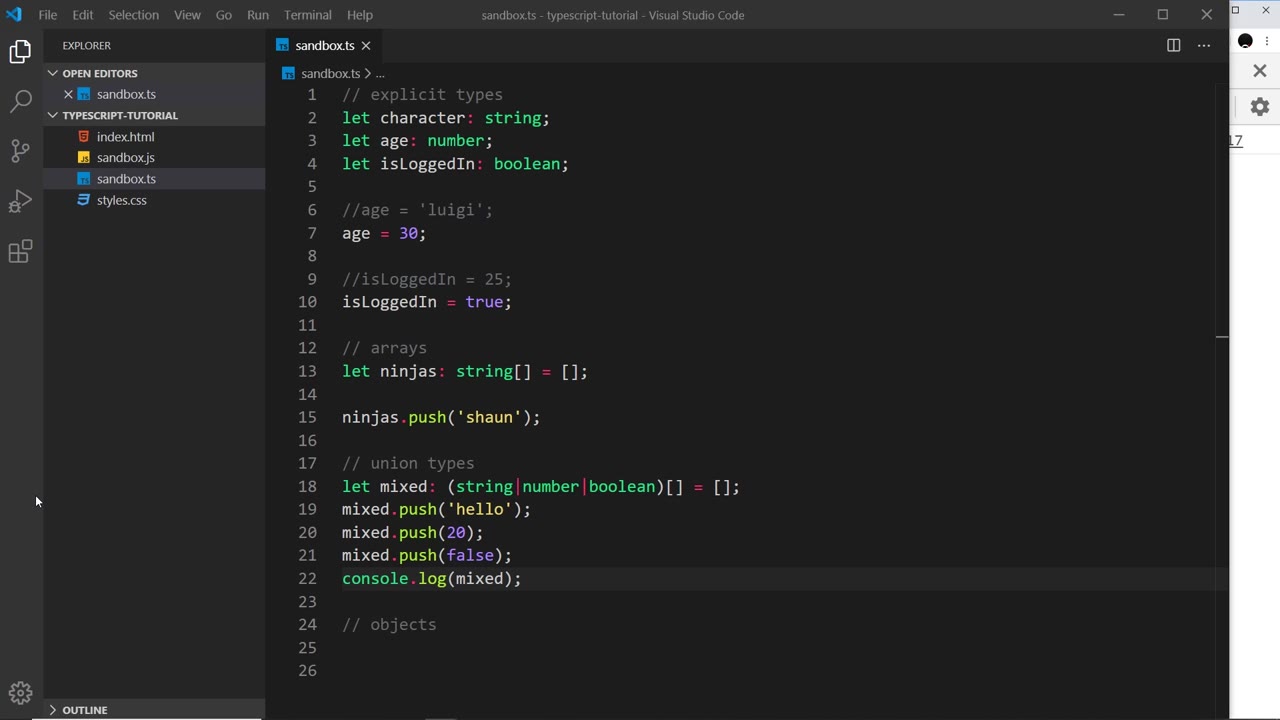
explicit annotations on the three basic types
Colon followed by the type, no assignment:
let character: string;
let age: number;
let isLoggedIn: boolean;
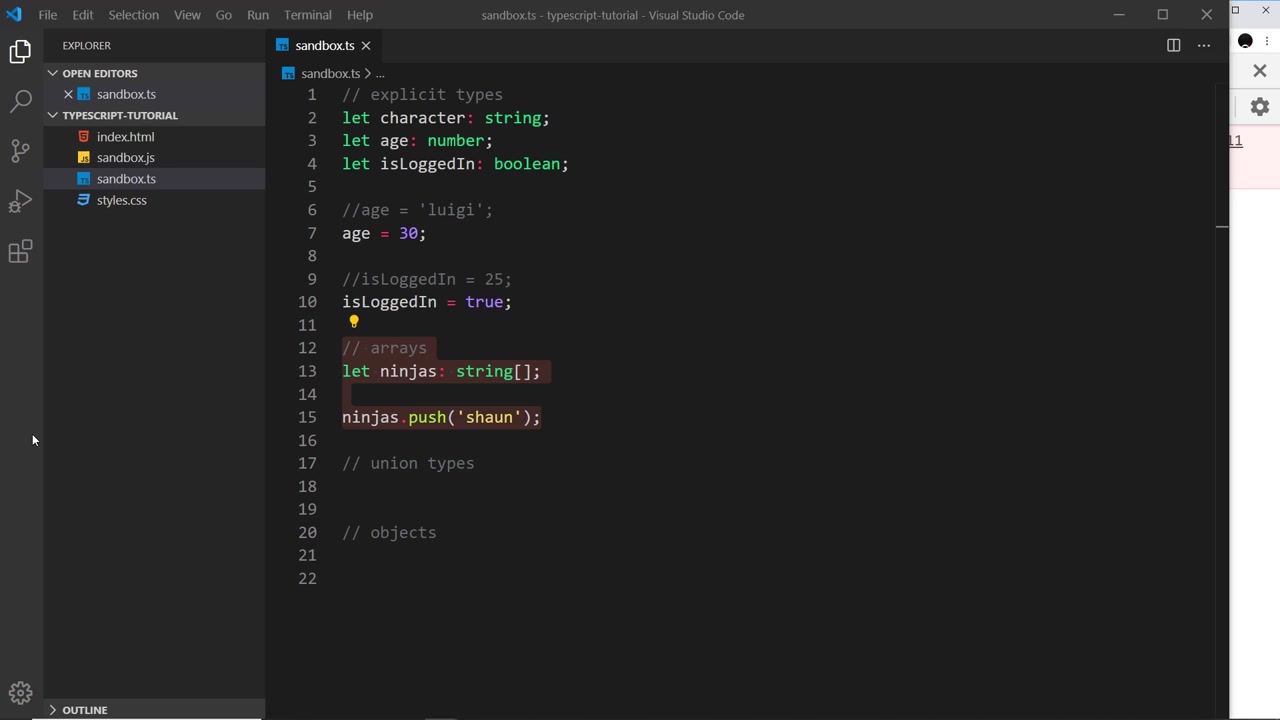
Hovering each in VS Code confirms the declared type (string, number, boolean) even though no value was ever assigned. From here the value-mutable / type-immutable rule from the last video applies in full:
age = "luigi"; // ERROR - string not assignable to number
age = 30; // fine
isLoggedIn = 25; // ERROR - number not assignable to boolean
isLoggedIn = true; // fine
The annotation is a promise about the future, enforced at compile time.
arrays: the type goes on the element
An array annotation names the element type with trailing []:
let ninjas: string[];
ninjas = [10, 23]; // ERROR - numbers are not strings
ninjas = ["yoshi", "mario"]; // fine
Declaring without initializing is legal TypeScript but leaves the variable undefined at runtime. Calling a method on it blows up in the browser, not in the compiler:
let ninjas: string[];
ninjas.push("shaun"); // compiles, then browser: Uncaught TypeError:
// Cannot read property 'push' of undefined (sandbox.js:11)
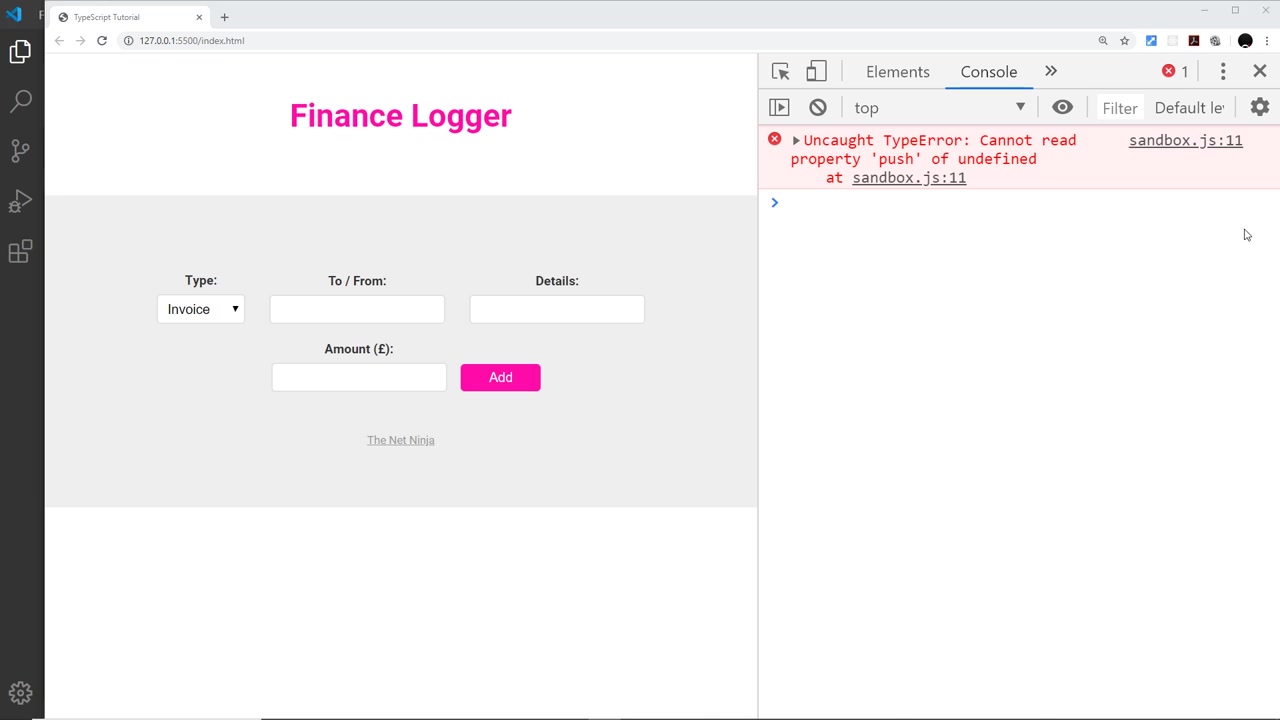
The compiled JavaScript keeps the .push call — the annotation was erased at compile time and there is no array to push onto. The fix is to initialize with an empty array, which still enforces the element type:
let ninjas: string[] = [];
ninjas.push("shaun"); // fine - and only strings allowed from here on
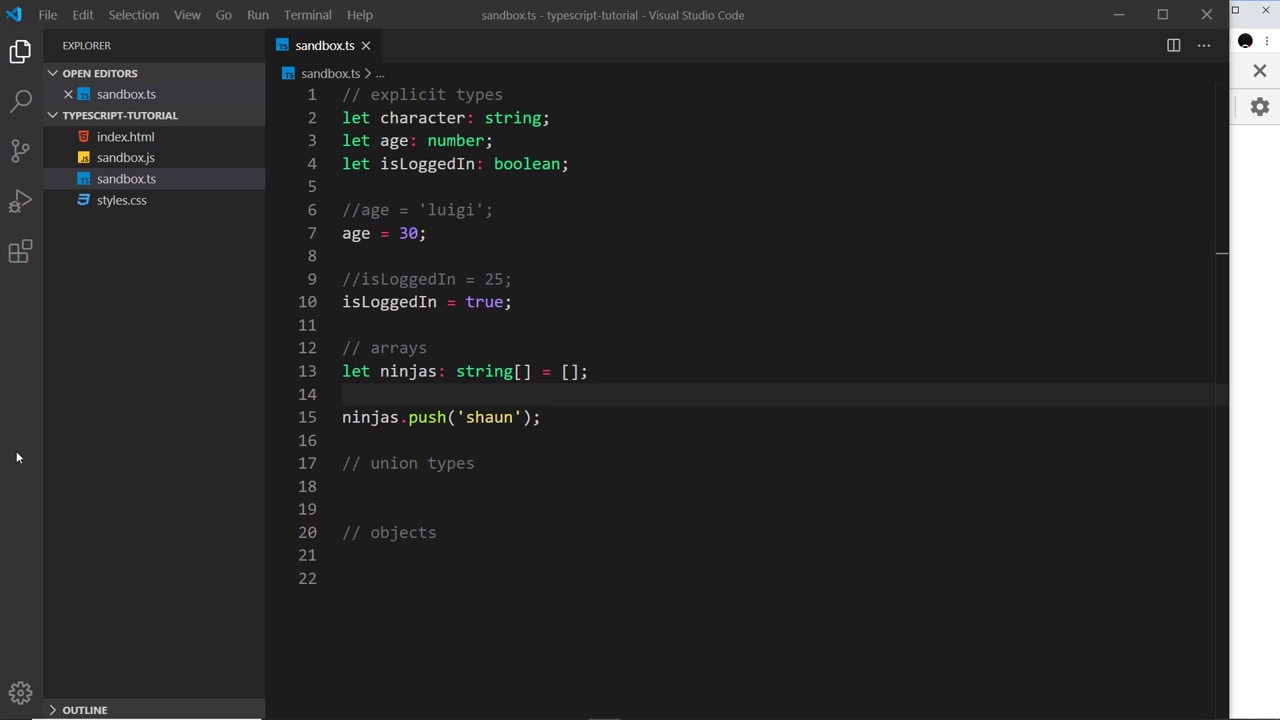
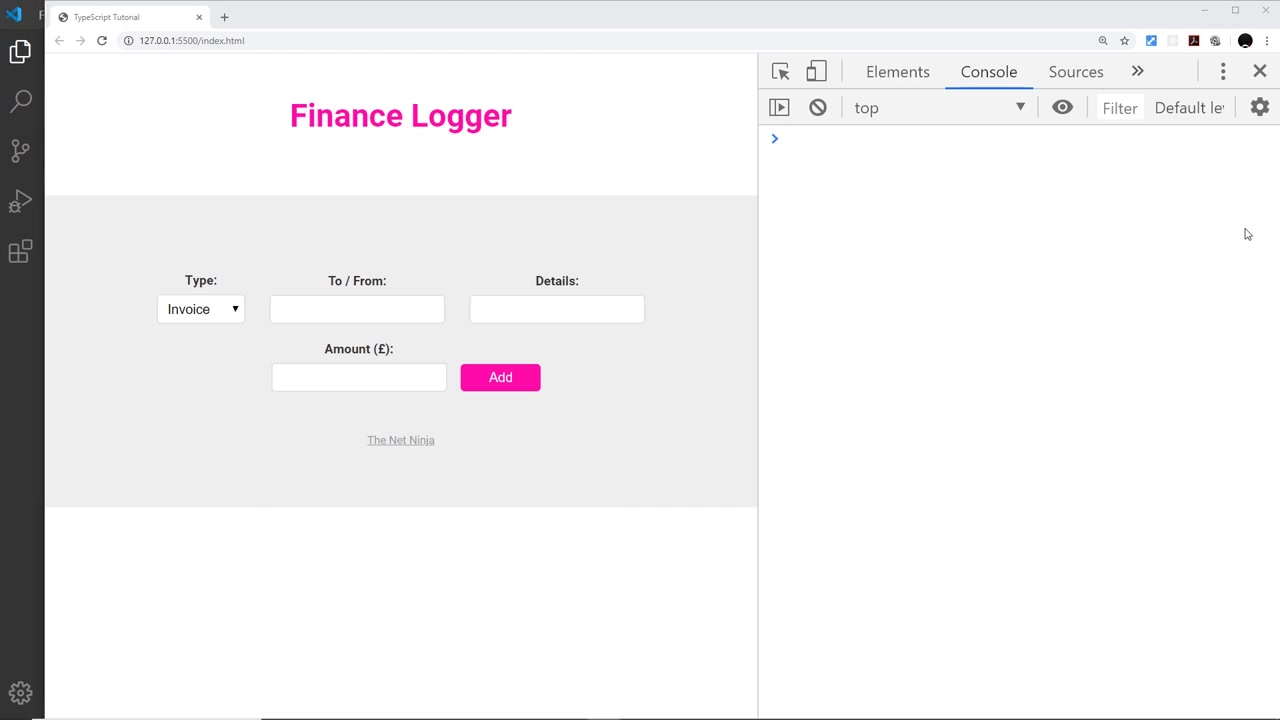
Rule of thumb from the video: if you plan to push later, initialize to [] now. Note the two failure modes contrasted here: a compile-time type error (wrong element type) versus a runtime TypeError (no array at all).
union types: one variable, several allowed types
A union type lists the permitted types separated by pipes. For arrays the union goes in parentheses ahead of []:
let mixed: (string | number | boolean)[] = [];
mixed.push("hello"); // fine
mixed.push(20); // fine
mixed.push(false); // fine - boolean is in the union
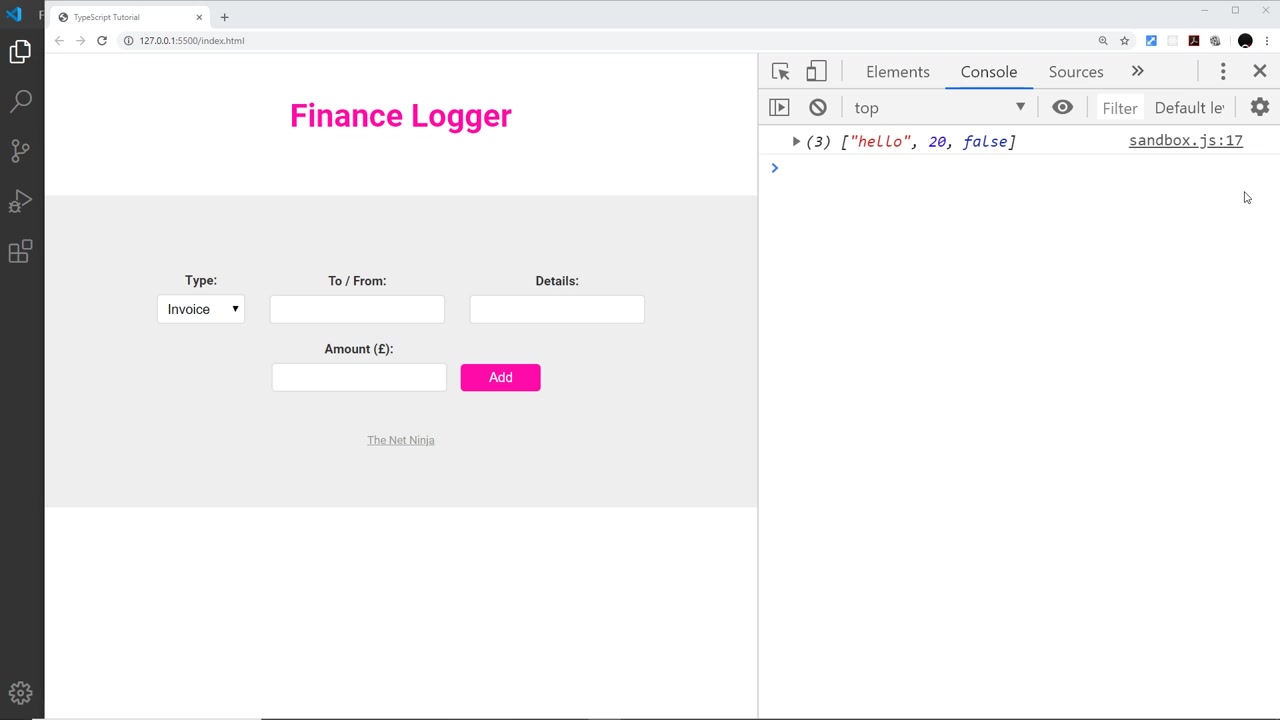
Built up incrementally in the video: (string|number)[] first, which rejects the false push with a compile error, then widened to (string|number|boolean)[], after which all three pushes succeed. console.log(mixed) prints (3) ["hello", 20, false] in the browser.
Plain (non-array) variables take a union without parentheses:
let uid: string | number;
uid = "123"; // fine
uid = 123; // fine
uid = false; // ERROR - boolean not in the union
Parentheses rule: required in front of [] (otherwise the [] binds to only the last member), omitted for standalone variables.
objects, loosely and strictly
Any object at all:
let ninjaOne: object;
ninjaOne = { name: "yoshi", age: 30 }; // fine - it is an object
ninjaOne = "hello"; // ERROR - a string is not an object
Note the JavaScript gotcha the video calls out: an array is an object, so ninjaOne = ['yoshi', 30] would still satisfy : object. The loose annotation only excludes non-objects.
A shaped object spells out each property and its type inside braces. Declaration and assignment are separate steps — the value must carry every declared property with matching types, no more (excess properties error) and no fewer:
let ninjaTwo: {
	name: string;
	age: number;
	beltColour: string;
};

ninjaTwo = {}; // ERROR - missing properties
ninjaTwo = { name: "mario", age: 20, beltColour: "black" }; // fine
ninjaTwo = { name: "mario", age: 20, beltColour: "black", skills: [] }; // ERROR - 'skills' is excess
This is the first appearance of structural typing in the series: what matters is the shape of the value, not a class name. (Covered in audio only — no frame shows the final object code, so the snippet above is reconstructed from the transcript.)
full lesson code
// explicit types
let character: string;
let age: number;
let isLoggedIn: boolean;

age = 30;
isLoggedIn = true;

// arrays
let ninjas: string[] = [];
ninjas.push("shaun");

// union types
let mixed: (string | number | boolean)[] = [];
mixed.push("hello");
mixed.push(20);
mixed.push(false);
console.log(mixed);

let uid: string | number;
uid = "123";
uid = 123;

// objects
let ninjaOne: object;
ninjaOne = { name: "yoshi", age: 30 };

let ninjaTwo: {
	name: string;
	age: number;
	beltColour: string;
};
ninjaTwo = { name: "mario", age: 20, beltColour: "black" };
Next video teaser: single-file compiles stop scaling — 007 — Project Structure with tsconfig.
Prev: 005 — Objects & Arrays · Next: 007 — Project Structure with tsconfig
Module 00 covered: explicit annotations for deferred initialization, string[] with empty-array init, runtime TypeError versus compile-time type error, array and scalar unions with the parentheses rule, loose : object versus shaped object types; signatures and interfaces come later. Transcript notes: booleans, isLoggedIn, ninjaOne/ninjaTwo, beltColour, older V8 Cannot read property wording.