003 — Compiling TypeScript (sandbox, tsc, and watch mode)
Full companion narrative for TypeScript Tutorial #2 — the starter project, first sandbox.ts, compiling with tsc, and watch mode
Video: 003 · TypeScript Tutorial #2 - Compiling TypeScript · watch · ~10:30 · Net Ninja TypeScript tutorial series, lesson 3
Source: this is a written companion to the video. Part of the Favorite TypeScript Videos curated path, module 00 (foundations). The toolchain comes before language features: no type syntax in this lesson — that starts in video 004.
where we are: the starter project
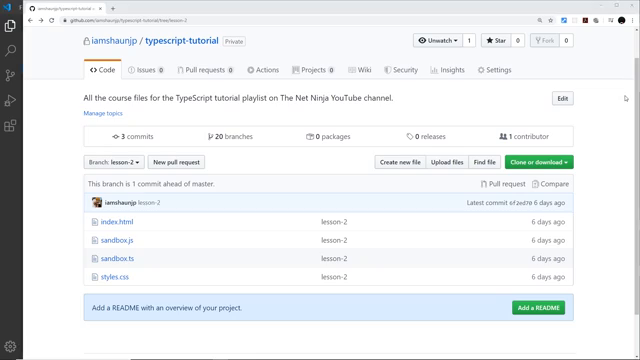
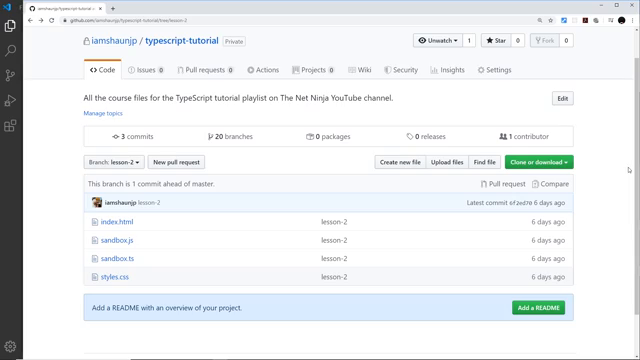
With TypeScript installed (previous lesson), the instructor opens VS Code on a folder called typescript-tutorial containing three files: index.html, sandbox.js (empty for now), and styles.css. The HTML and CSS are pre-written — this is not an HTML/CSS course — and can be copied from the instructor’s typescript-tutorial GitHub repo linked below the video.
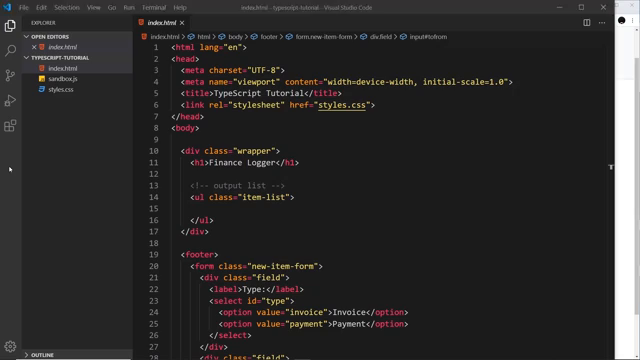
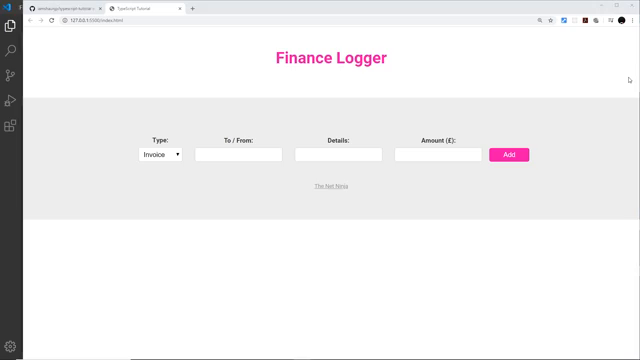
The template is the Finance Logger mini-project that runs through the whole series: a header, an item list where invoices and payments will be rendered dynamically with TypeScript, and a footer form for adding new items.
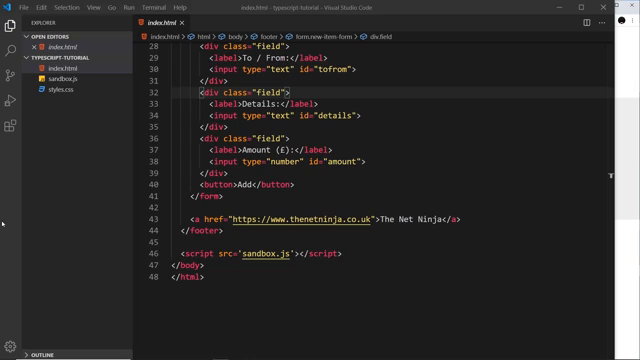
the form (4 fields + submit)
| field | meaning |
|---|---|
| Type | invoice or payment (<select>) |
| To / From | who the invoice/payment is from or to |
| Details | what it is for |
| Amount (£) | how much |
Plus a submit button, and a <script> tag linking sandbox.js — the compiled output file the browser will actually load (more on that below).
the styles and live preview
styles.css styles the page (pink header, form layout, footer) — skim it at leisure; no walkthrough here. For live preview the instructor uses the VS Code Live Server extension: right-click index.html → Open with Live Server, which serves the page locally (seen as 127.0.0.1:5500/index.html in the browser shots).
first TypeScript: sandbox.ts
The key move: don’t write JavaScript — write TypeScript. A new file sandbox.ts (.ts = TypeScript extension) is created next to the empty sandbox.js.
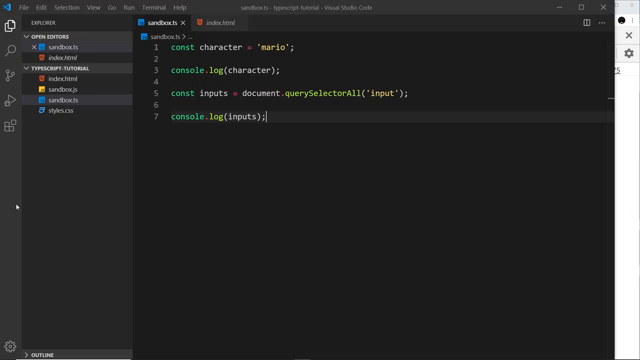
TypeScript is deliberately JavaScript-like at first — everything familiar works:
const character = "luigi";
console.log(character);

const inputs = document.querySelectorAll("input");
console.log(inputs);
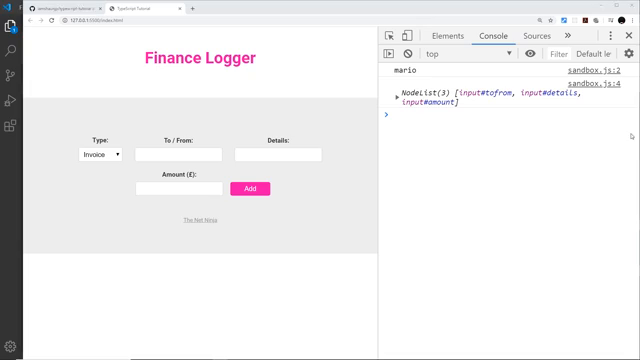
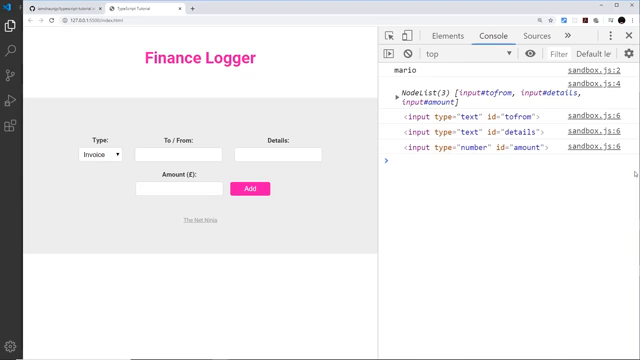
querySelectorAll('input') grabs the three form inputs and returns a NodeList of 3 items, exactly as in plain JavaScript.
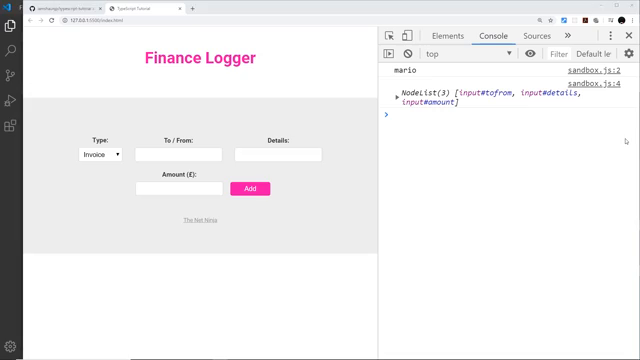
core concept: the browser can’t read TypeScript — compile with tsc
This is the lesson’s central idea: index.html links to sandbox.js, not sandbox.ts — and even if it linked the .ts file, the browser would not understand it. So every .ts file must be compiled down to a .js file first.
the compile command
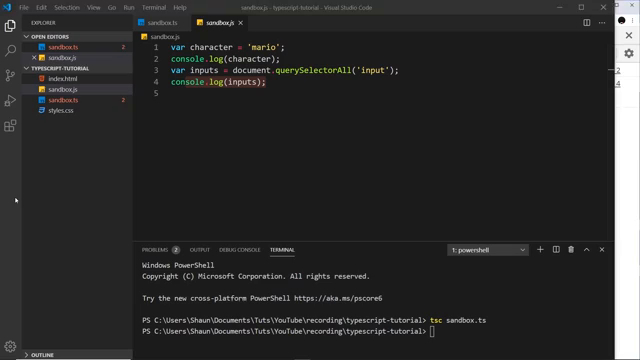
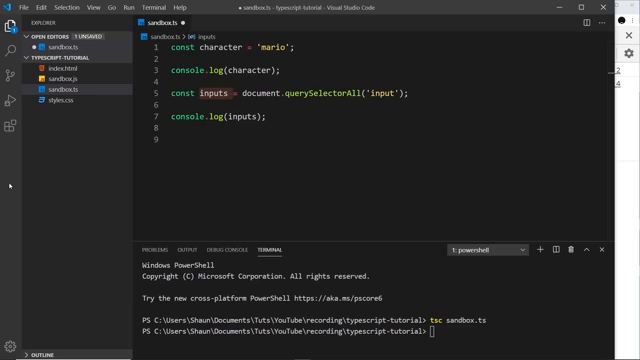
In a VS Code terminal (Terminal → New Terminal), from the same directory as the sandbox files:
tsc sandbox.ts
tsc is the TypeScript compiler, available because TypeScript was installed globally in the previous lesson. When input and output share the basename (sandbox → sandbox), the explicit output name can be omitted — tsc emits sandbox.js automatically, creating it if it doesn’t exist.
what the compiler emits
The generated sandbox.js looks almost identical — with one deliberate difference: const is downleveled to var. That is the default-target behavior (the generated config targets ES5, where const does not exist), not a universal rule — with a modern target the compiler preserves const as-is:
var character = "luigi";
console.log(character);
var inputs = document.querySelectorAll("input");
console.log(inputs);
the phantom “duplicate identifier” errors — safe to ignore
With both sandbox.ts and the compiled sandbox.js open, VS Code underlines the const declarations: “Cannot redeclare block-scoped variable”. This is just the editor seeing the same variable names in two open files. It vanishes when one file is closed, and the browser never loads the .ts file anyway.
iterating: forEach over the NodeList, then recompile
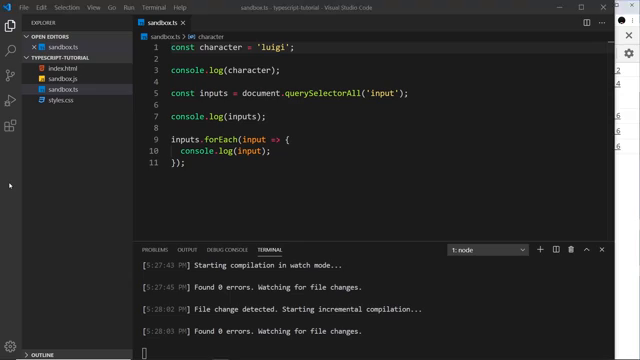
Next the instructor loops the input collection — forEach works on a NodeList just like in JavaScript:
inputs.forEach((input) => {
	console.log(input);
});
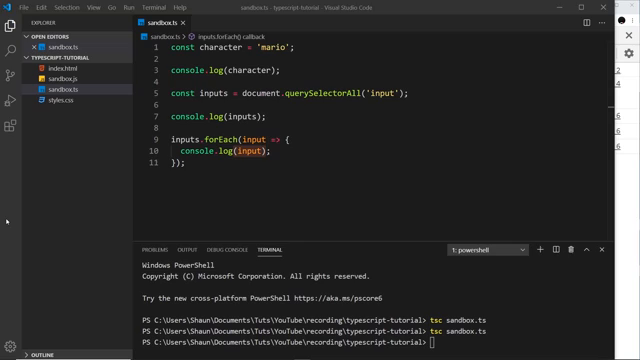
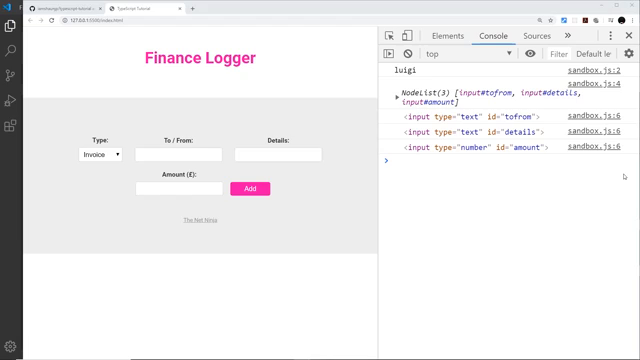
Critical habit point: saving the .ts file is not enough — you must re-run tsc sandbox.ts to recompile into sandbox.js before the browser shows the change. After recompiling, the three input fields log to the console.
watch mode: compile on every save
Manually recompiling after each edit gets old fast. The fix:
tsc sandbox.ts -w
-w is watch. TypeScript now watches sandbox.ts and recompiles it into sandbox.js automatically on every save, reporting any errors in the terminal. The instructor demos it by changing the string value, saving, and showing the compiled .js updating instantly.
Next video teaser (instructor’s words): now that compilation is understood, the series moves on to the actual types TypeScript offers — 004 — Type Basics.
Prev: 002 — Introduction & Setup · Next: 004 — Type Basics
Module 00 covered: Live Server preview, index.html/styles.css/sandbox.ts layout, sandbox-first habit, same DOM APIs, tsc compile and -w watch, browser loads only compiled .js. Transcript notes: meta tags, submit the form, sandbox.ts, forEach, querySelectorAll, Amount (GBP), sandbox.js for the frame-0008 misread.