002 — Introduction & Setup (what TypeScript is, and the toolchain)
Full companion narrative for TypeScript Tutorial #1 — the superset mental model, three benefits, prerequisites, and global install
Video: 002 · TypeScript Tutorial #1 - Introduction & Setup · watch · 6:45 · Net Ninja TypeScript tutorial series, lesson 1
Source: this is a written companion to the video. Part of the Favorite TypeScript Videos curated path, module 00 (foundations). No code is written in this lesson — it answers what TypeScript is, what you need installed, and what you will build. Compiling is deferred to video 003.
core concept: TypeScript is a superset of JavaScript
The lesson opens with the claim everything else hangs on: TypeScript extends JavaScript with new features and syntax. Everything JavaScript can do, TypeScript can do, plus extras. The practical consequence follows immediately — browsers do not understand TypeScript natively, so TypeScript source must be compiled down to plain JavaScript before it runs in a browser. The instructor stresses this extra step should not put anyone off; in most cases compilation is easy.
// the mental model from this lesson (no code is written on screen yet):
// TypeScript source (.ts)  --[tsc compile]-->  JavaScript output (.js)  -->  browser
Course-map note for module 00: this is the js-to-ts transition beat — TypeScript presented as a development-time layer over JavaScript, not a replacement runtime.
benefit 1: strict (static) types
First selling point: you can declare a variable as a certain type, such as a number, and then you cannot later assign it a string or boolean. The payoff is framed two ways — error checking and debugging get easier, and the constraint forces cleaner, less error-prone code from the start. JavaScript is contrasted explicitly: it uses dynamic types, where a variable can change type at any point, which can lead to more errors.
// what the instructor is describing (illustrative — not shown in video):
let age: number = 25;
age = "twenty-five"; // error: Type 'string' is not assignable to type 'number'

// JavaScript contrast:
let ageJs = 25;
ageJs = "twenty-five"; // no error — dynamic typing allows this
benefit 2: write modern JavaScript, ship compatible output
Second selling point: you can write newer JavaScript features — arrow functions, let/const, destructuring — and because the code is compiled down to broadly-understood JavaScript, it runs even in browsers that do not support those features directly yet. The instructor compares this to the Babel compiler, which does the same job for modern JavaScript.
benefit 3: TypeScript-only extras (preview)
Third selling point, deliberately deferred: features with no JavaScript equivalent — generics, interfaces, tuples, and more. The instructor names them only as a coming-attractions list. For module 00, treat this as a roadmap pointer, not a teaching target.
prerequisites: JavaScript first, Node.js for npm
Two hard prerequisites are stated:
- You should already understand JavaScript — the DOM, asynchronous code, modern features like arrow functions and classes — because the course teaches TypeScript to people who already know JavaScript. Viewers who do not are pointed at the instructor’s JavaScript courses first.
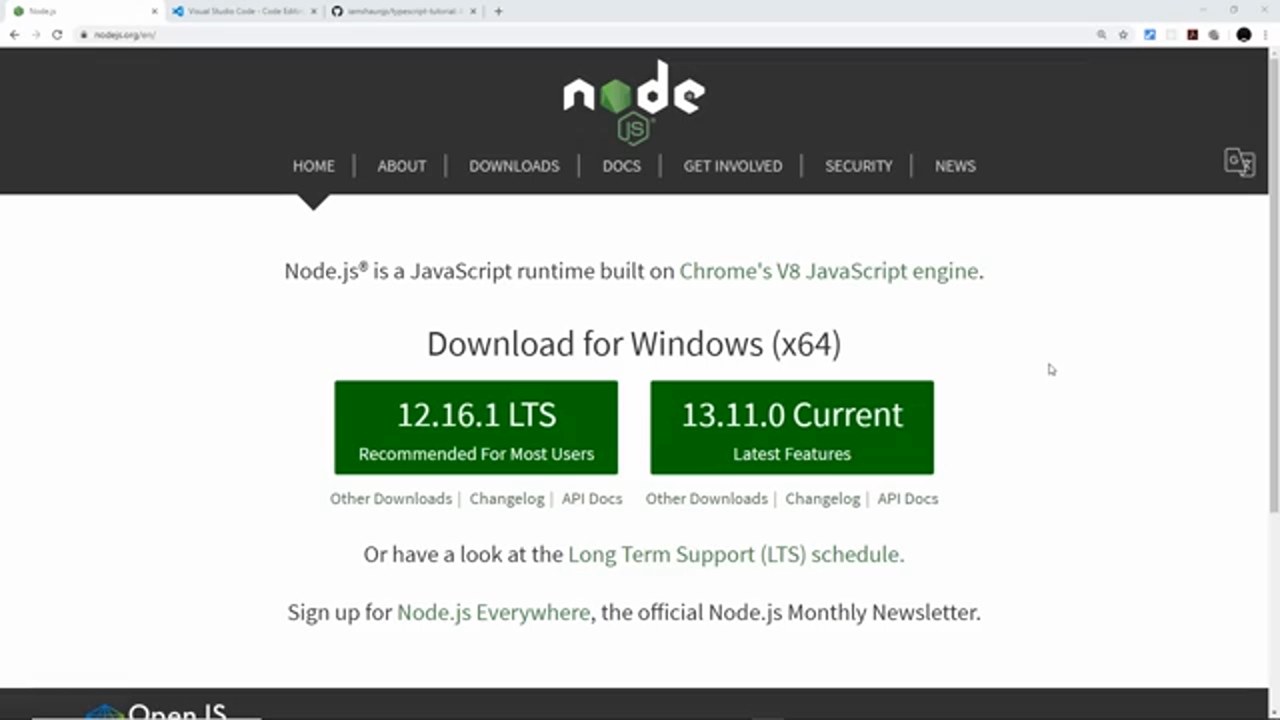
- You need Node.js installed, not because the course uses Node.js programming, but so you get npm (the Node package manager), which is used to install and work with the TypeScript compiler. Download from nodejs.org and run the install wizard.
editor and course files
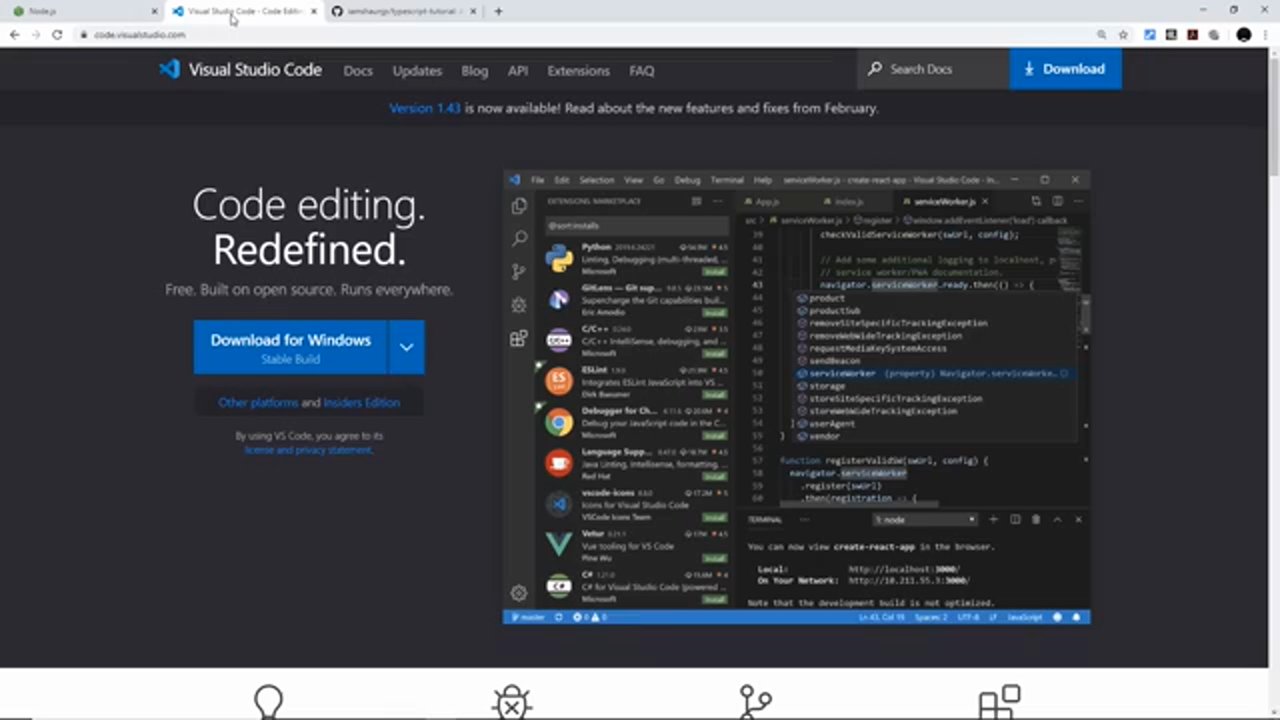
Editor recommendation: Visual Studio Code, chosen partly because it ships with built-in TypeScript support. Any editor works, but VS Code is the course default.
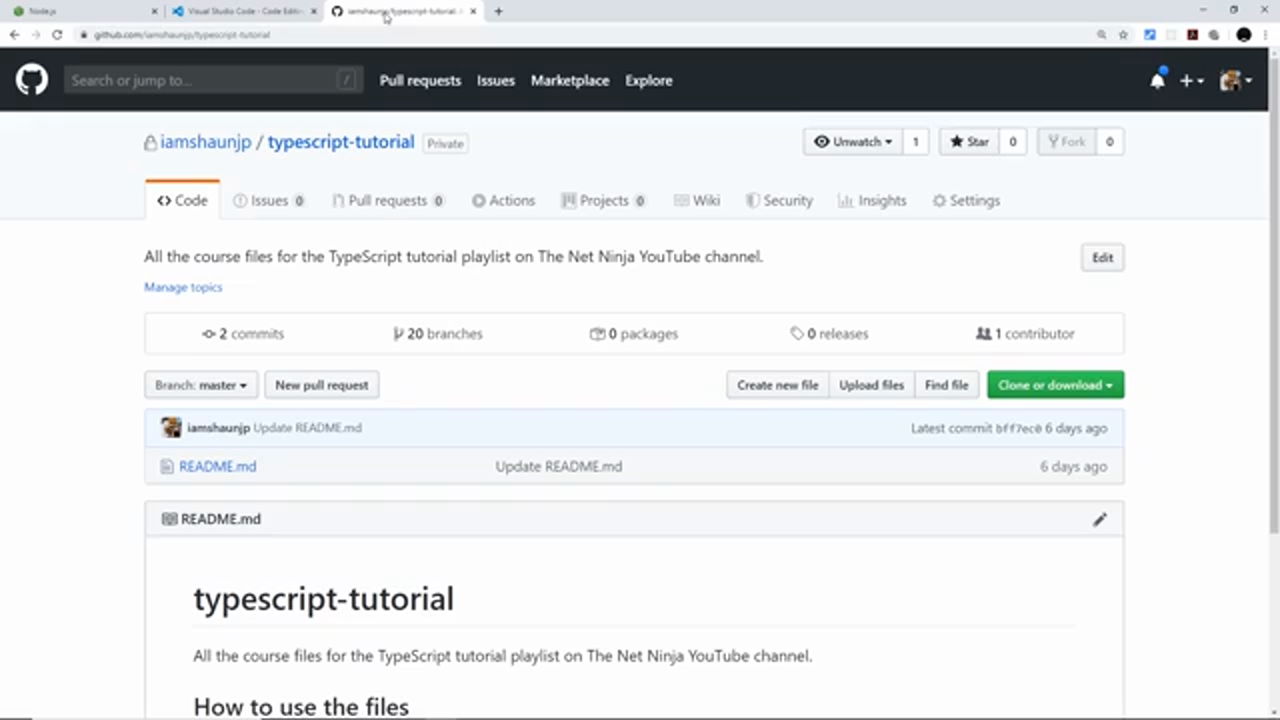
Course files: every lesson has its own branch in the iamshaunjp/typescript-tutorial GitHub repo, so learners can check out the code for any lesson.
the project you will build: a finance logger
Motivation anchor for the series: a small finance-logger app — a form that logs either payments or invoices with details, appended to a list. The demo shows logging a 200-pound payment to Luigi for marketing work, then switching the form to an invoice: 300 from Ken for copywriting. Each entry renders as a sentence in the list. This project carries the whole playlist, so each upcoming concept lands in a real form-and-list codebase.
the lesson’s only hands-on step: install the compiler globally
Open a terminal and install the compiler globally with npm so the tsc command is available everywhere on the machine:
npm install -g typescript
Verify with:
tsc --version
Actual usage (“how to compile”) is explicitly deferred to the very next lesson. Module 00 checkout: after this video the learner should have Node.js + npm, VS Code, the repo URL, and a global tsc — nothing more.
Next video teaser: with the compiler installed, the series moves on to the starter project and the first compile — 003 — Compiling TypeScript (sandbox, tsc, and watch mode).
Prev: 001 — TypeScript Tutorial for Beginners · Next: 003 — Compiling TypeScript
Module 00 covered: superset mental model, strict types, modern-JS shipping, extras preview, prerequisites, VS Code, repo branches, global tsc, finance logger. Transcript notes: arrow functions, let/const, Babel, -g flag, Udemy, novice to ninja, copywriting; frames 1-2 are channel-page plugs with no instructional content.